
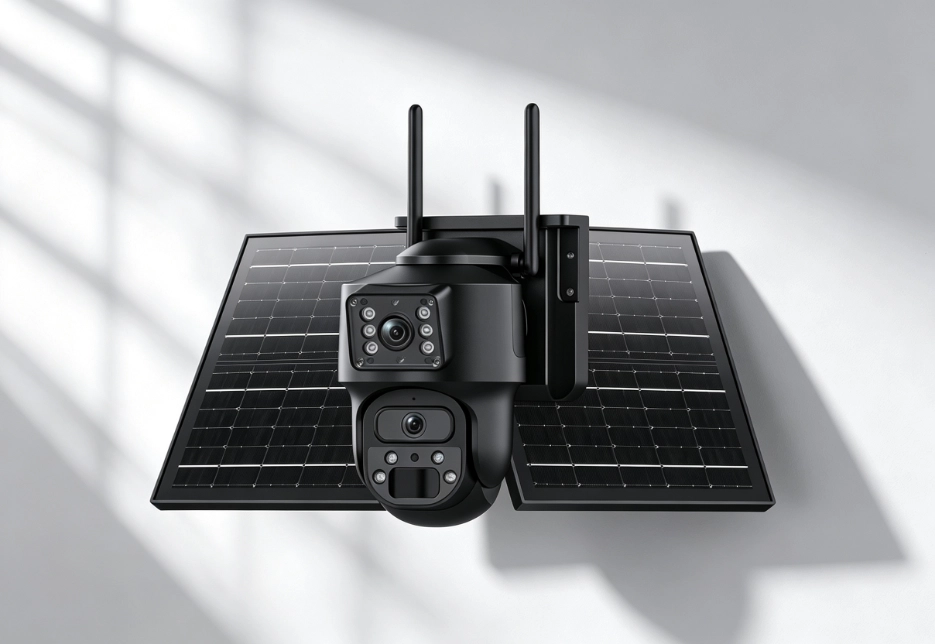
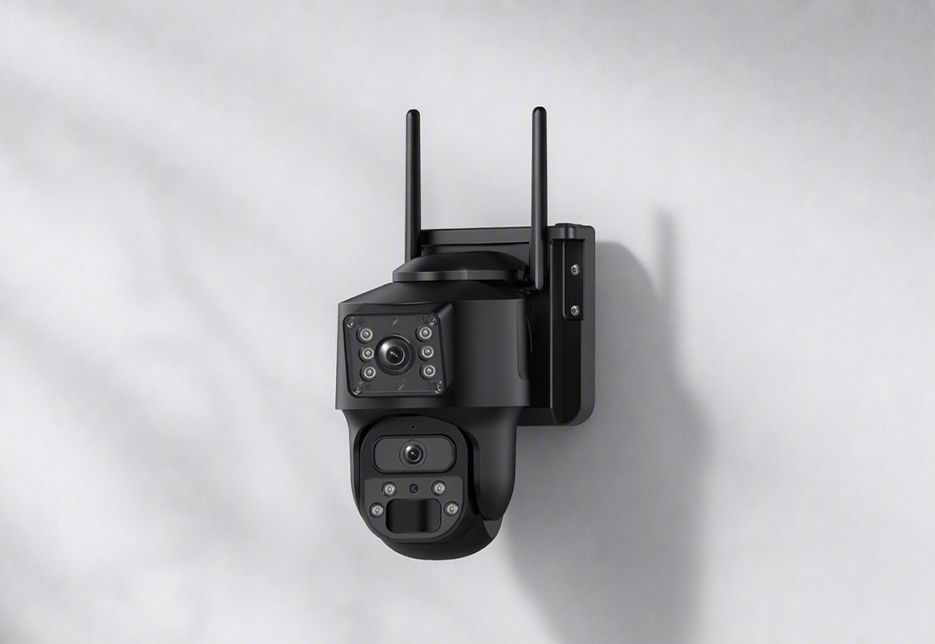
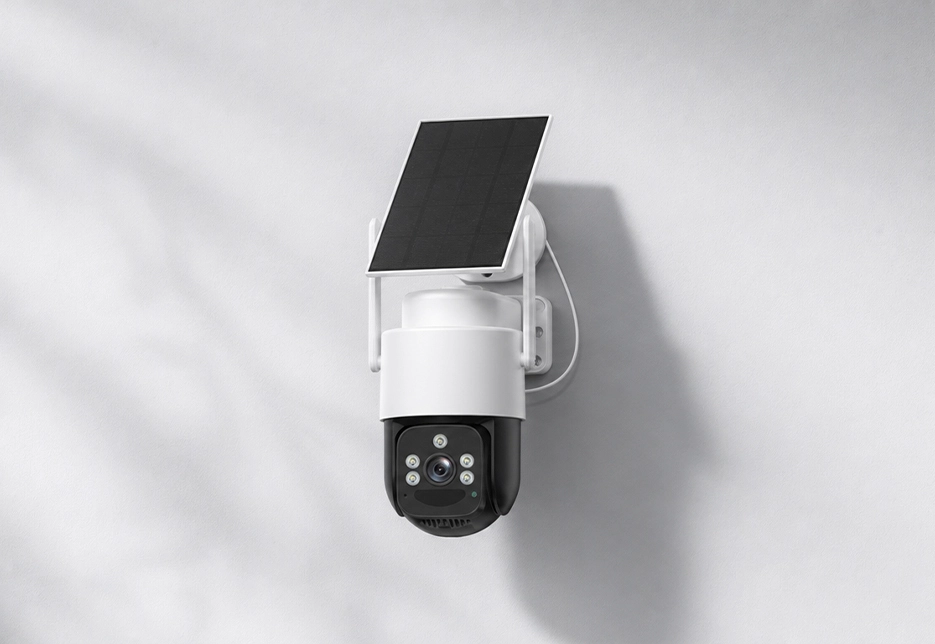
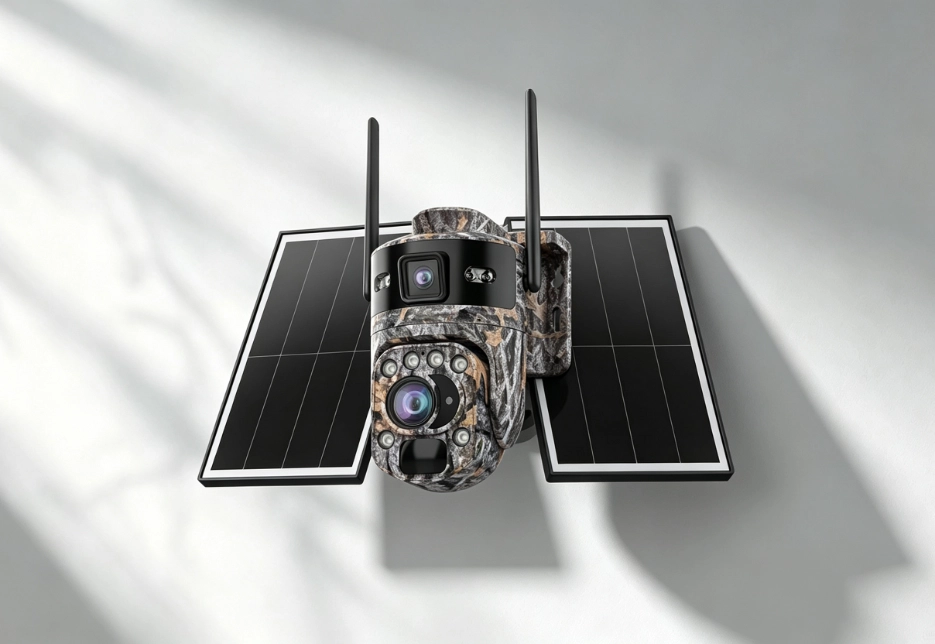
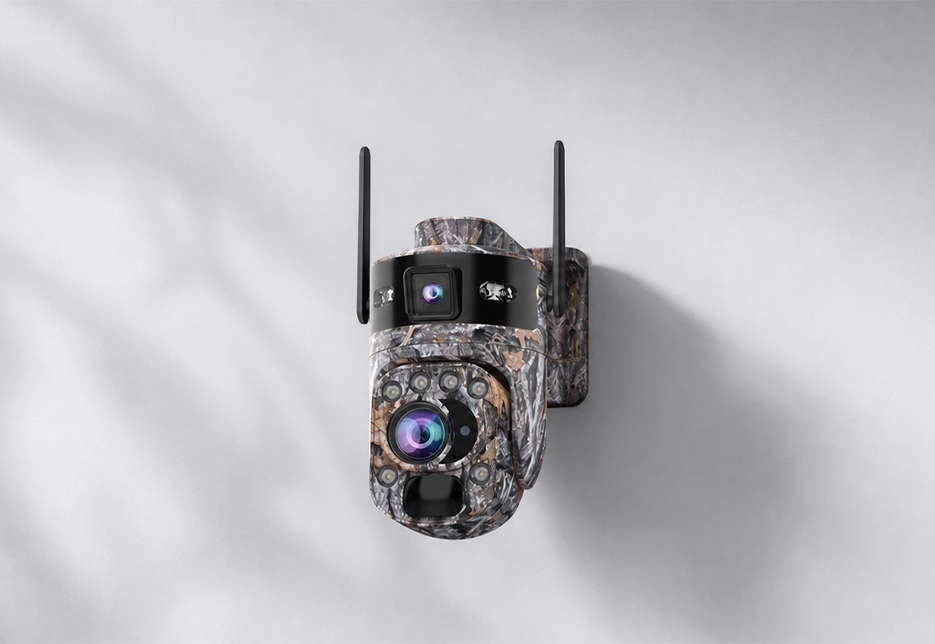
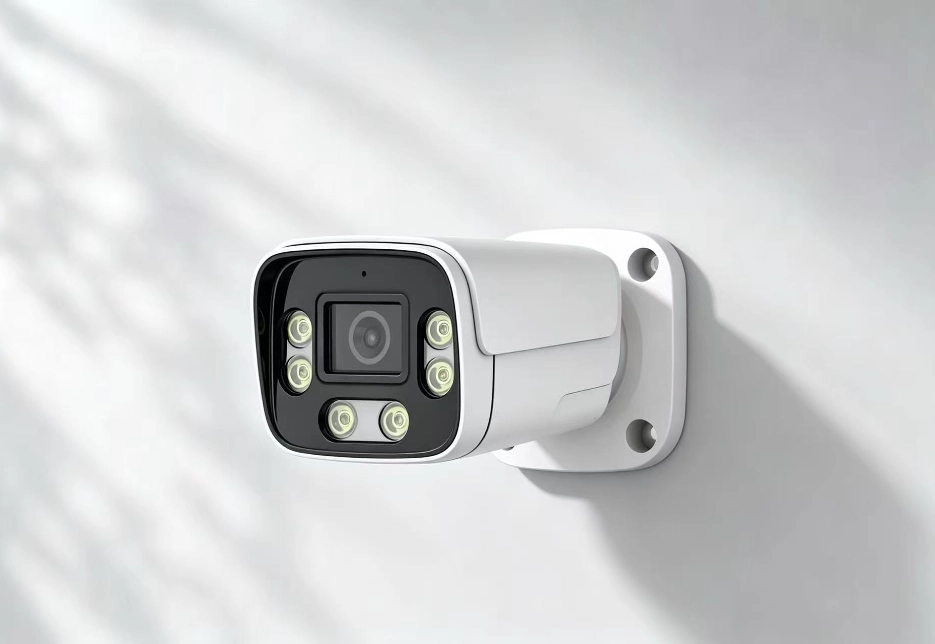
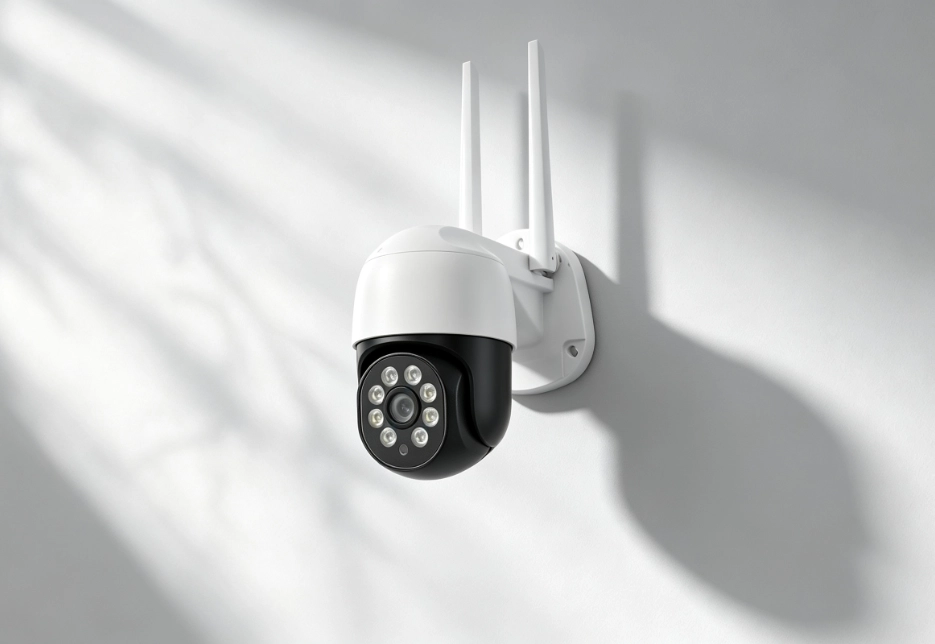
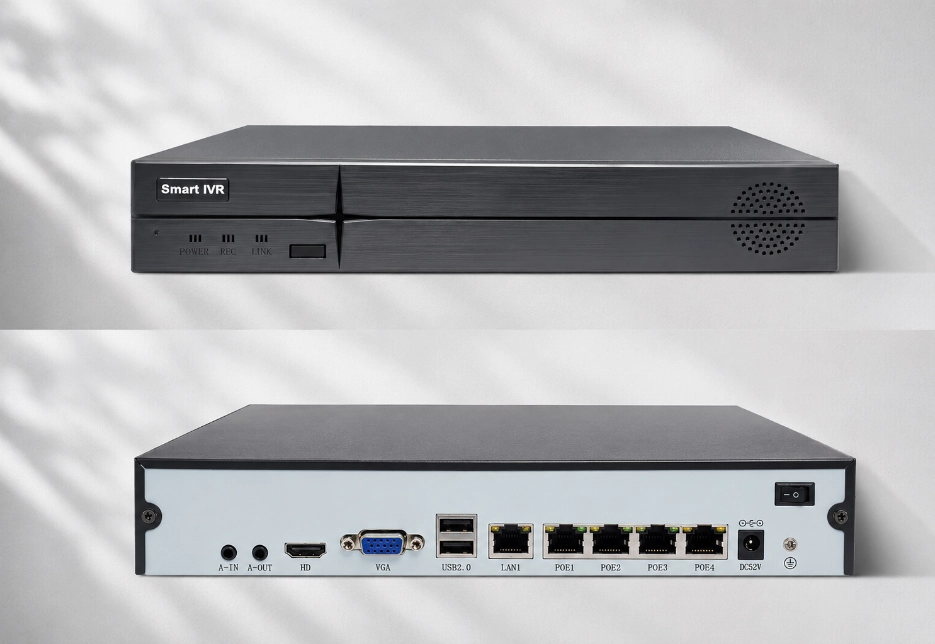
IP66 is a protection rating indicating the device’s dust and powerful-jet water resistance. It means the device has a high level of dust and water-jet protection; in real use you still need to install the waterproof covers and seals correctly.
Frequently Asked Questions
Find answers to common questions about RuggedVision products and support.
PoE (Power over Ethernet) delivers power and data simultaneously over a single network cable.
Solar models: restart remotely in the app, or turn the power switch off and back on; RV Oracle Ultra PTZ: reset button on the tail cable; RV FourSight 4G NVR: Bluetooth near-field restart in the app, or use the power switch; RV Vault NVR: power switch on the rear of the unit.
RV Oracle Ultra PTZ / RV Oracle Ultra Bullet: press and hold the reset button on the tail cable; RV FourSight 4G NVR: the reset button on the body (a factory reset clears all configuration and pairing information); RV Twinview Wireless / RV Ranger PRO Wireless: press and hold the Reset button on the body for about 6-C8 seconds.
Troubleshoot in this order: — Battery: if the app can’t connect, check whether the device indicator lights are on; solar models may be low after prolonged rain, so charge with a charger for 2-C3 hours and try again; — Data: for 4G devices, confirm the data plan isn’t used up (it goes offline when exhausted) and check/recharge the balance in the app; — Signal: test 4G signal strength on your phone at the same location; — SIM card: whether it’s inserted backward or not fully seated, and whether the card is activated or has an unpaid balance; — Restart: turn the power switch off for 30 seconds and back on. If everything above is normal but it’s still offline, contact customer service with your device ID and indicator status.
Common causes and fixes: weak 4G signal — check the signal bars in the app and adjust the device position or antenna direction; watching an HD stream — switch to SD (smooth) mode; slow local network — check your phone’s current Wi-Fi/4G status; multiple devices sharing one data card — make sure each device uses its own plan.
Possible causes: the device entered low-power mode when the battery was too low (AOV turned off); cloud/remote view was unavailable while data was exhausted, but microSD local recording should still be ongoing (remove the card to confirm); or the microSD card is faulty or full with abnormal overwrite — format it and observe. We recommend enabling AOV mode to guarantee round-the-clock coverage.
At night, IR mode defaults to a black-and-white image. For color: switch to “full-color / white-light / warm-light” mode in the app’s image settings, or choose “smart illumination” (auto white light on alarm). If the daytime image is still black-and-white, check whether the day/night switch is manually locked to the B&W setting.
Wipe the lens clean (rain spots and dust are the most common causes); check whether the protective film is still on the lens; the RV Oracle Ultra Bullet has a manual-focus lens, so you can fine-tune focus; the RV Oracle Ultra PTZ has a “defog” function (off / low / medium / high).
Obstacles near the lens (leaves, eaves, insects, raindrops) reflect IR light and create white spots. Adjust the mounting angle so there are no obstructions close to the lens (within 1 m). Zoom in or adjust focus to optimize the image.