
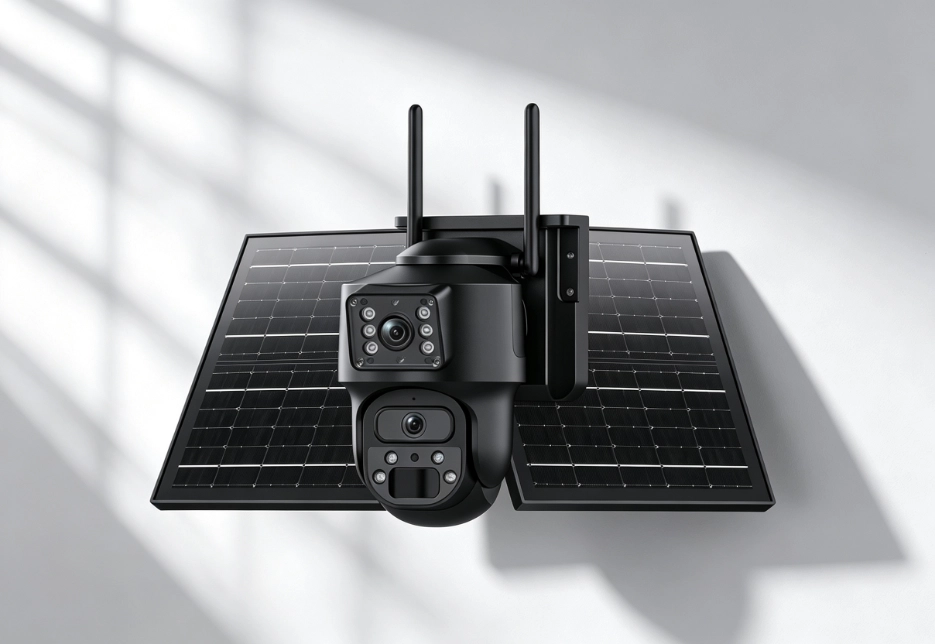
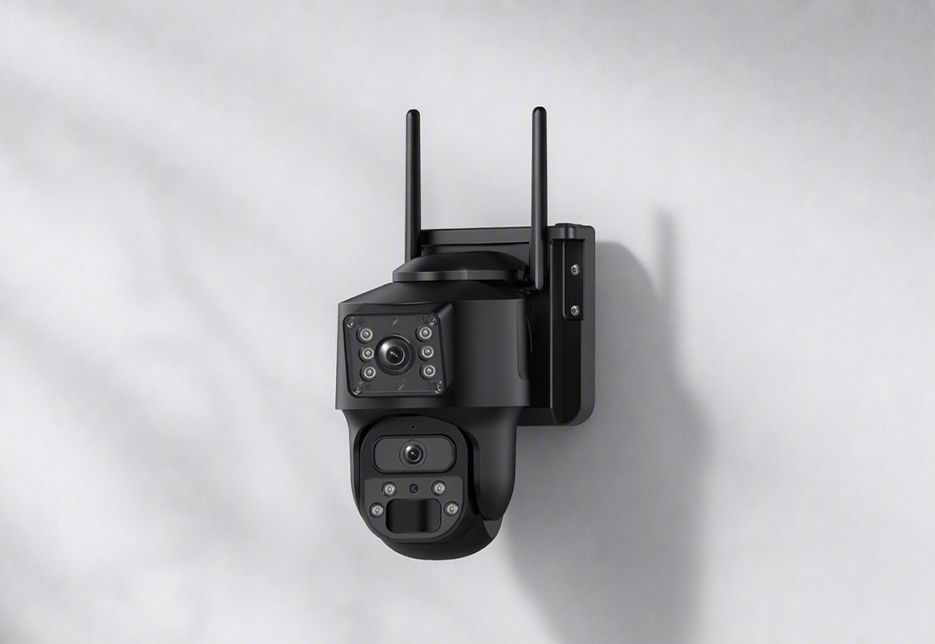
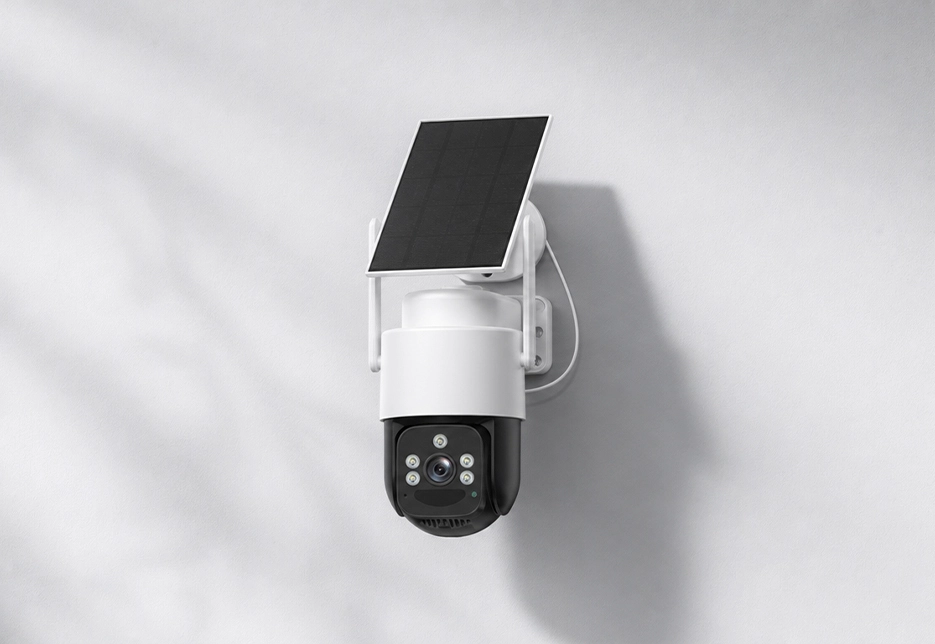
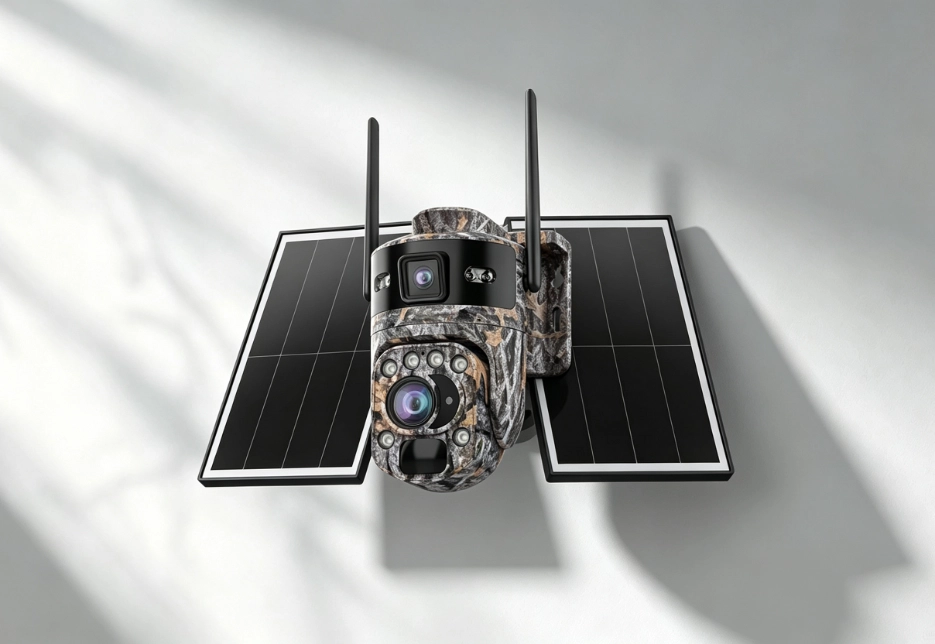
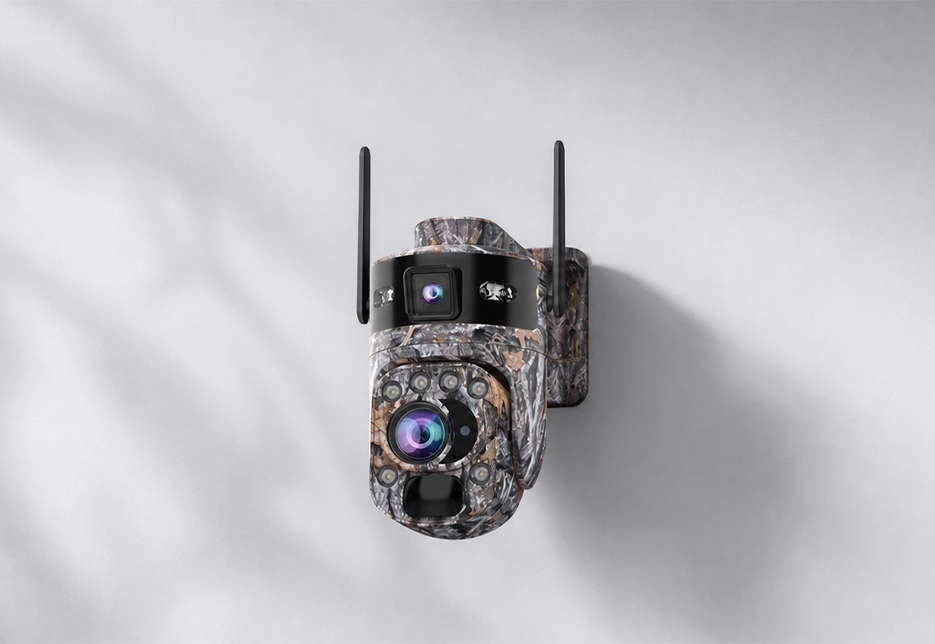
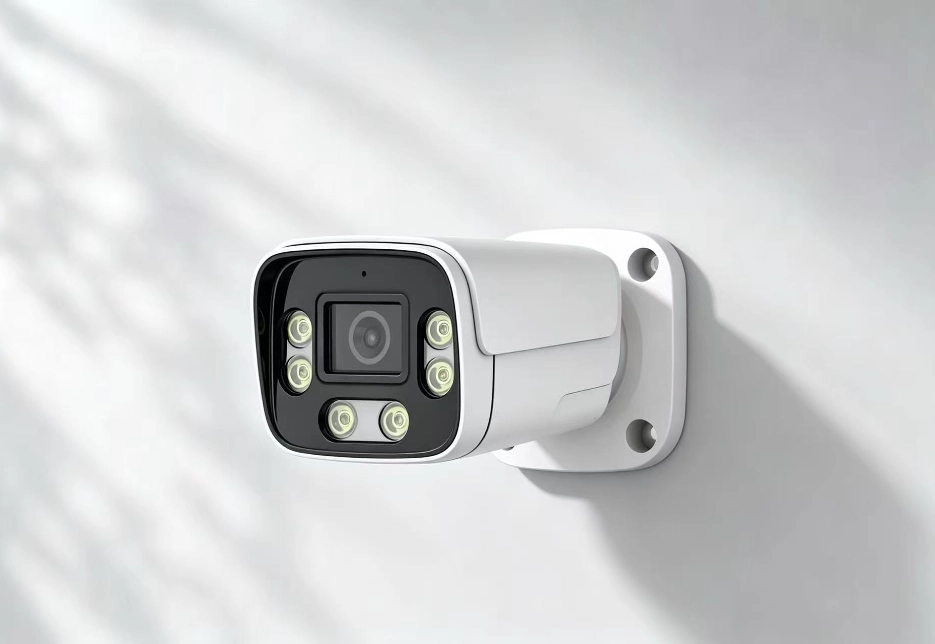
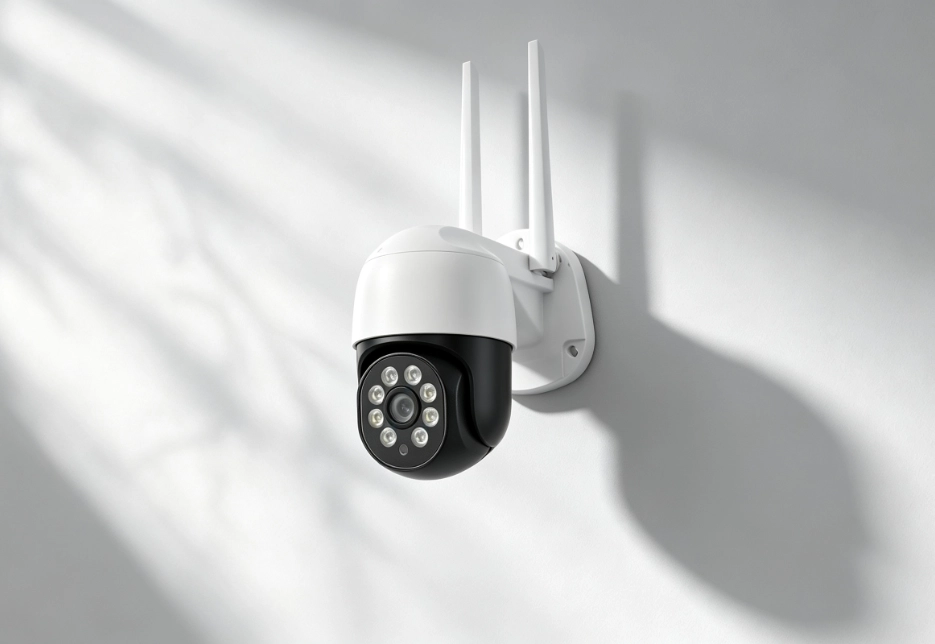
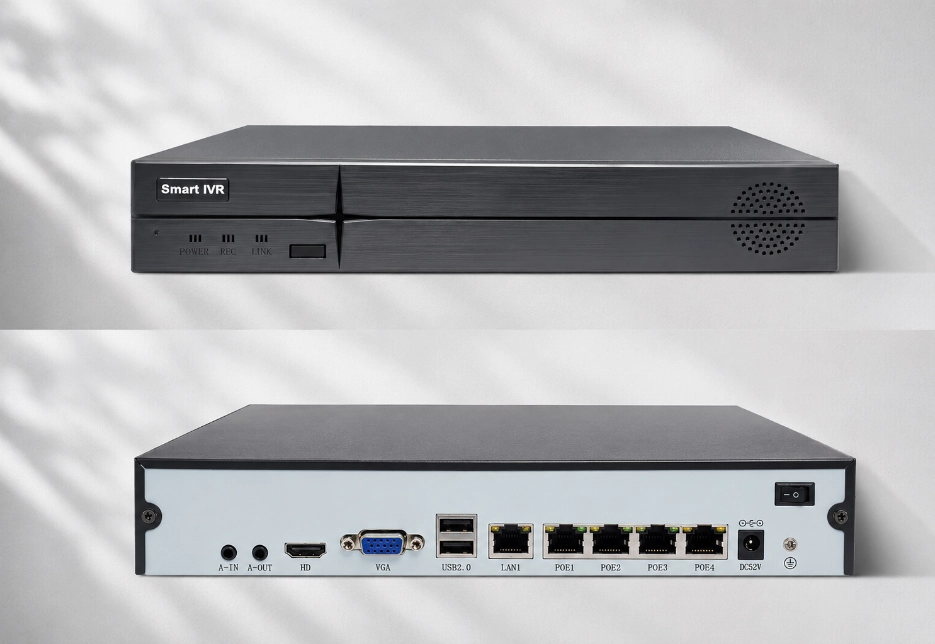
It’s adjustable: the RV Oracle Ultra Bullet’s illumination brightness supports 0-C100 levels with auto / manual / off states; solar models can choose IR mode (B&W image, no light emitted) or smart illumination mode (IR normally, white light only on alarm). For light-sensitive environments (facing a neighbor’s window, etc.), we recommend IR or smart illumination mode.
Frequently Asked Questions
Find answers to common questions about RuggedVision products and support.
The RV Oracle Ultra Bullet supports Smart IR, which automatically adjusts IR intensity to prevent near-field overexposure; it also offers “light-collection strategy” settings (off / person / license plate) to optimize exposure for people and plate scenarios. On other models, if overexposure occurs, try lowering the illumination brightness or adjusting the mounting angle to avoid nearby reflective objects.
In white-light full-color mode, faces and clothing colors within night-vision range are visible. For license plates, we recommend using the RV Oracle Ultra Bullet’s “license-plate light collection” mode, or the RV Ranger PRO Wireless’s optical zoom to pull in on the plate area. Note: in IR B&W mode, plates are often overexposed by IR reflection, so choose white-light mode when reading plates.
No. The device senses ambient brightness with a light sensor and automatically switches to night vision at dusk and back to color at dawn (the ICR infrared filter switches automatically). The RV Oracle Ultra Bullet additionally supports custom switch times and a manual lock mode.
Both the RV Oracle Ultra PTZ and RV Oracle Ultra Bullet support digital WDR (wide dynamic range, with low/medium/high settings) to improve dark foregrounds in backlit scenes; the RV Oracle Ultra Bullet also supports backlight compensation and highlight suppression. When installing, avoid pointing the camera directly at strong light sources. The RV Twinview Wireless / RV Ranger PRO Wireless can use zoom and fixed focus to sharpen the image.
Yes. All models have a built-in high-sensitivity microphone (the RV Twinview Wireless mic sensitivity is -38dB), and recordings capture on-site audio simultaneously.
Yes. The devices have a built-in microphone and speaker for two-way audio: press and hold the talk button on the app’s live view to speak with whoever is near the camera. Use cases: telling a courier where to leave a package, reminding workers on a site, warning intruders, etc.
The RV Twinview Wireless / RV Ranger PRO Wireless support both simplex and full-duplex voice modes: full-duplex lets you talk and listen simultaneously (like a phone call), while simplex is push-to-talk (like a walkie-talkie).
Yes. The RV FourSight 4G NVR has a reserved audio output for an external speaker (specs: 30mm diameter / 1W / 8–).
Check: whether the app has microphone permission; whether you’re in simplex mode and need to hold the talk button; and the device speaker volume setting. If still abnormal, restart the app and device and try again.