
Security Cameras Without WiFi: The Complete Solar + 4G Guide (2026)
No broadband at the gate. No outlet at the barn. No WiFi that reaches the back fence. Here’s exactly how a 4G solar camera solves all three — and how to pick one that actually survives a full year outdoors.
You already know the problem. Every security camera review online assumes you have three things: a wall outlet, a router, and a house. But the places you actually need a camera — the long driveway, the equipment barn, the back pasture, the job site trailer — have none of them.
This guide walks through how a 4G solar security camera fixes that, what it costs to run, and the seven things to check before you buy. No fluff. We build these cameras, so we’ll also tell you where the trade-offs are.
Why “Wireless” Cameras Still Fail Without WiFi
Here’s the trap most buyers fall into: “wireless” on the box usually means wire-free video, not wire-free internet. The camera still needs a WiFi signal from your router to send footage to your phone.
Step 100 feet from the house and that signal is gone. Put the camera inside a metal shed or behind a hill and it’s gone sooner. So the first question isn’t “wireless or wired?” — it’s “how does this camera reach the internet?” There are really only three answers:
| Connection | Needs | Best For | Weak Spot |
|---|---|---|---|
| WiFi | Router within range | Homes, front doors, yards | Dead zones; range is short |
| Ethernet / PoE | Cable run + power | Fixed buildings, NVR systems | Trenching cable is expensive |
| 4G Cellular | A SIM card + cell signal | Everywhere else | Needs a data plan |
If your install point has cell bars but no router — which is true almost everywhere a phone works — a 4G camera is the only practical option. That’s the whole idea.
How a 4G Cellular Camera Actually Works
A 4G security camera is basically a smartphone that watches instead of talks. Inside is a cellular modem. You insert a Nano SIM card into the waterproof slot, the modem registers on the local network, and the camera streams to your phone through a secure cloud connection. No router. No port forwarding. No IT degree.
From there it behaves like any good camera app:
- Live view from anywhere — P2P connection, works whether you’re in the truck or three states away
- Push alerts when the PIR sensor detects a person or animal
- Two-way talk — hear the barn, tell the delivery guy where to leave the box
- Recording to a local microSD card, with optional cloud backup
One check before you buy anything
Stand at the exact spot you plan to mount the camera and look at your phone. One bar of signal is not enough. Weak signal forces the modem to boost transmit power, which drains the battery fast. Two bars or better, and you’re fine.
SIM Cards and Data: What You Need to Know
This is the part spec sheets make confusing. In practice there are three ways to get connected:
- The included trial SIM. Every RuggedVision 4G camera ships with a SIM and a 7-day unlimited free trial. Use it to test signal at your mount point before committing to anything.
- Your own carrier SIM. The cameras accept a standard Nano SIM, so you can drop in a cheap data plan from a carrier you already trust. Just match the bands — US-version cameras support LTE bands including B2, B4, B12 and B66, which cover the major US carriers.
- Top-up plans in the app. If you don’t want a second carrier account, recharge data directly in the app when the trial ends.
How much data will it burn?
Much less than you’d think — if the camera is built for it. An always-streaming camera can chew through gigabytes per week. A camera with AOV technology (more on that below) idles at a few frames per minute and only opens the full-bandwidth firehose when something actually moves. Trigger count, live-view hours, and signal strength move the number; watching less live video is the single biggest saver.
Solar + Battery: Sizing It for Year-Round Operation
A cellular camera is only as good as its power budget. Here’s the honest math:
- Battery carries you through the dark days. Our Twinview 537 runs a 10,050mAh pack; the Ranger PRO 637 carries 20,800mAh. That’s what gets you through a week of rain.
- The panel refills it. 537: dual panels totaling 6W. 637: dual panels totaling 14W. Bigger panel = faster recovery in short winter days.
- Low-power modes protect the floor. When the battery drops (≈20% on the 537, ≈30% on the 637), the camera automatically shuts down AOV and keeps PIR detection + remote wake-up alive until the sun catches up.
Three mounting habits make the difference between “solar” and “solar, sort of”:
- Face panels toward the strongest sun (south-facing in the Northern Hemisphere), tilted near your latitude
- Wipe off dust, snow, and leaves monthly — a dirty panel is a dead panel
- Enable human filtering and a reasonable PIR sensitivity so passing deer don’t drain the pack
AOV: The Tech That Makes Solar 24/7 Recording Possible
Most battery cameras are asleep 99% of the time. Motion wakes them up — but by then the first three seconds of the event are already gone. That’s exactly when the license plate or the face flashes past.
AOV (Always-On Video) flips that. The camera keeps recording continuously at a very low frame rate — one frame every few seconds, like a time-lapse. Nothing gets missed. The moment the PIR sensor spots activity, the camera snaps awake and records a full 15fps HD event clip.
The result: you never have a gap in the timeline, and the battery barely notices. It’s the core reason a solar camera can honestly claim 24/7 coverage. (Full detail in our FAQ: what AOV is, and when you’d still want a plugged-in camera instead.)
The 7-Point Buying Checklist
Before you order any off-grid camera — ours or anyone else’s — run it through this list:
| Check | Why It Matters | Good Target |
|---|---|---|
| 1. Weather rating | It lives outside 365 days a year | IP65 minimum, IP66 better |
| 2. Night vision type | Black-and-white IR can’t ID colors, cars or clothing | Color night vision (see our deep-dive) |
| 3. Detection type | Pixels-based motion detection = false alerts all night | PIR heat sensing + human filtering |
| 4. Continuous coverage | Sleep-only cameras miss the start of every event | AOV / always-on low-frame recording |
| 5. Band match | Wrong regional version = no connection at all | US / EU / AU / JP / global versions offered |
| 6. Storage | No forced subscription for your own footage | Local microSD (512GB max on ours) + optional cloud |
| 7. Real zoom, not digital only | Digital zoom just crops pixels | Optical zoom for gates & long driveways |
Which One Fits Your Property?
We make two solar models for exactly this problem, plus a multi-camera system for bigger properties:
HOME & SMALL PROPERTY
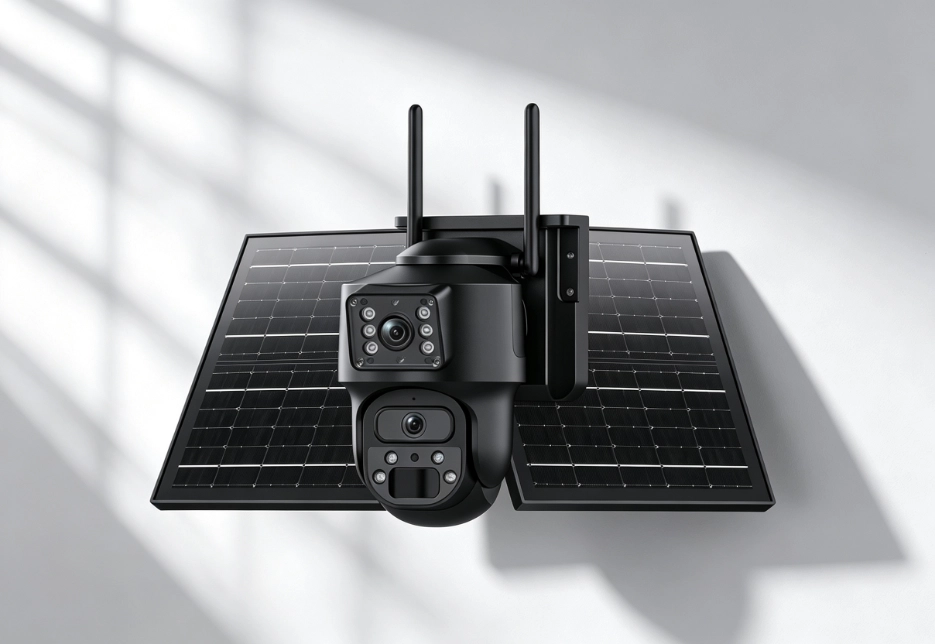
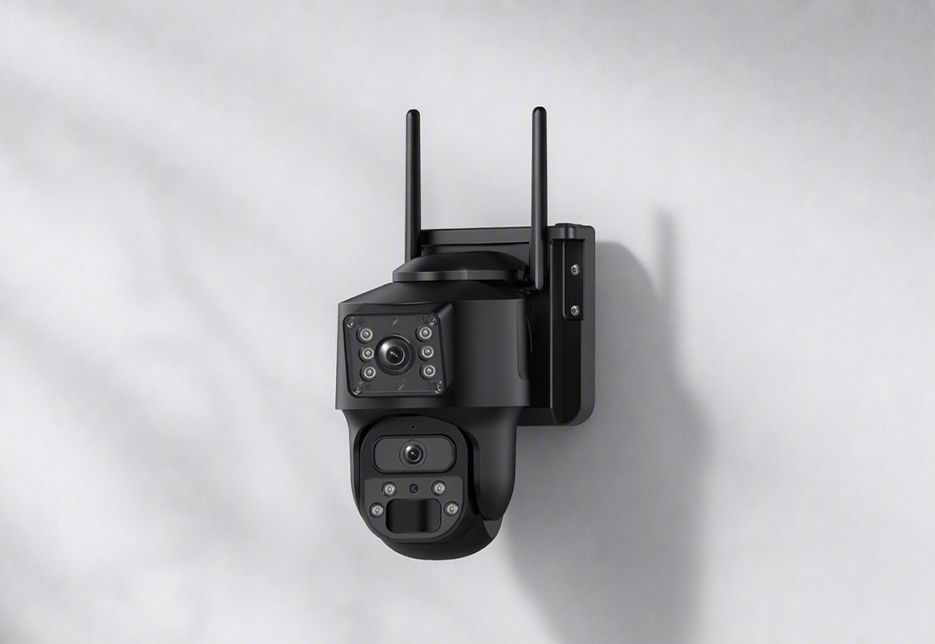
RV Twinview Wireless (537)
Dual-lens solar camera · 4G + 2.4GHz WiFi
- Dual 3MP lenses — wide view + close-up detail in one frame
- 5x optical + 10x digital zoom
- 10,050mAh battery · dual 6W solar panels
- Color night vision to ~33ft, IR to ~65ft · IP65
FARM · RANCH · BIG RANGE
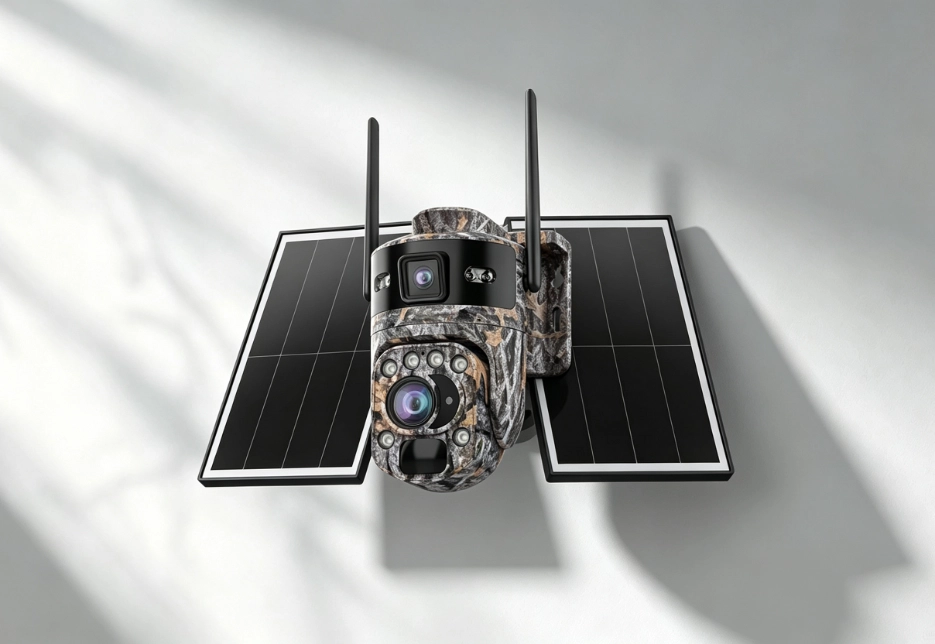
RV Ranger PRO Wireless (637)
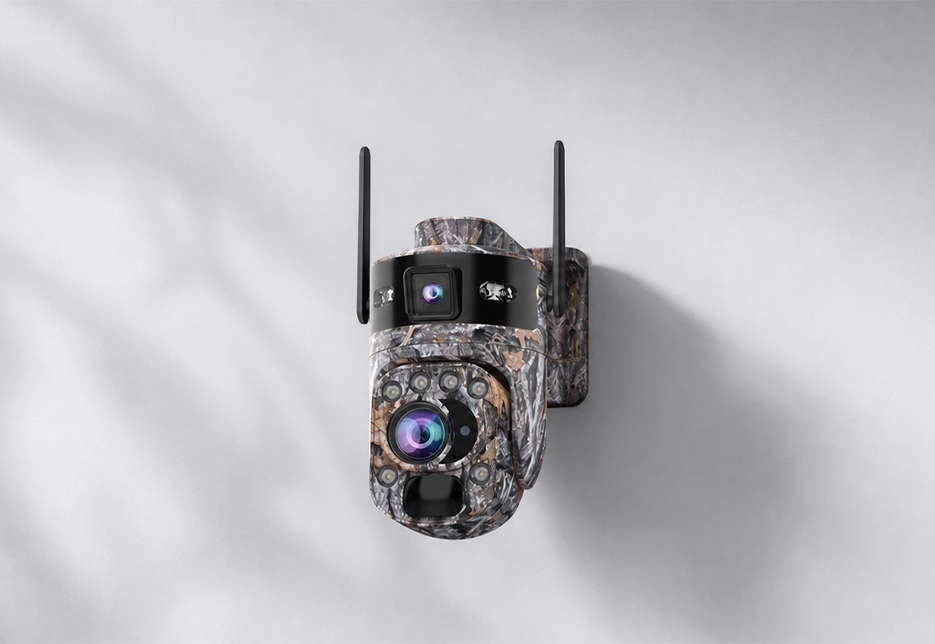
4K-class dual-lens solar camera · 4G · camouflage
- 36x combined zoom (20x optical + 16x digital)
- Night vision out to ~328ft (100m)
- 20,800mAh battery · dual 14W solar panels
- IP66 · built for open, unpowered land
Need to cover multiple points — barn, gate, and fuel store at once? The FourSight 4G system links up to 16 wireless cameras to one solar base station, with camera-to-base transmission reaching 200–300m in open terrain.