
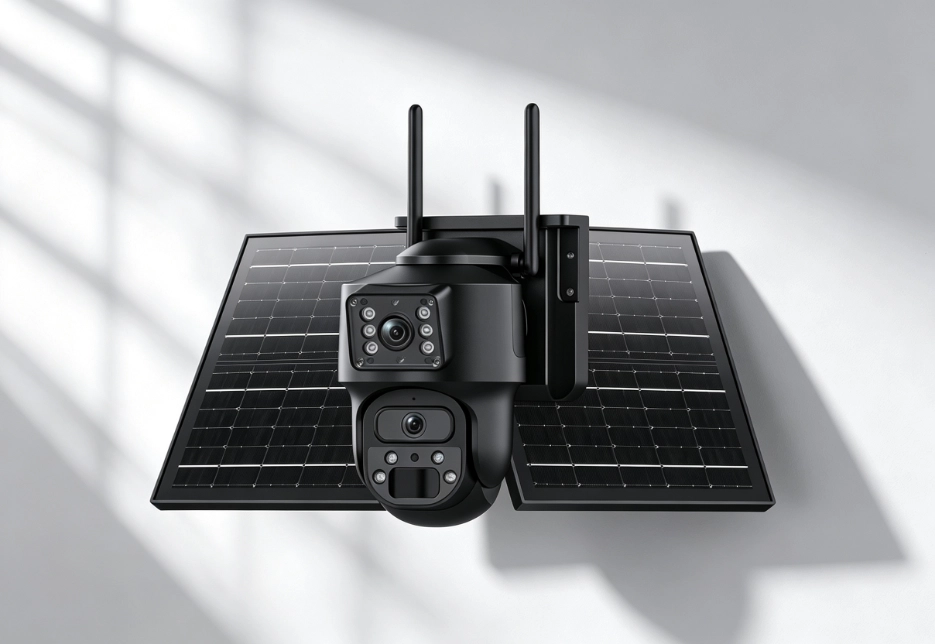
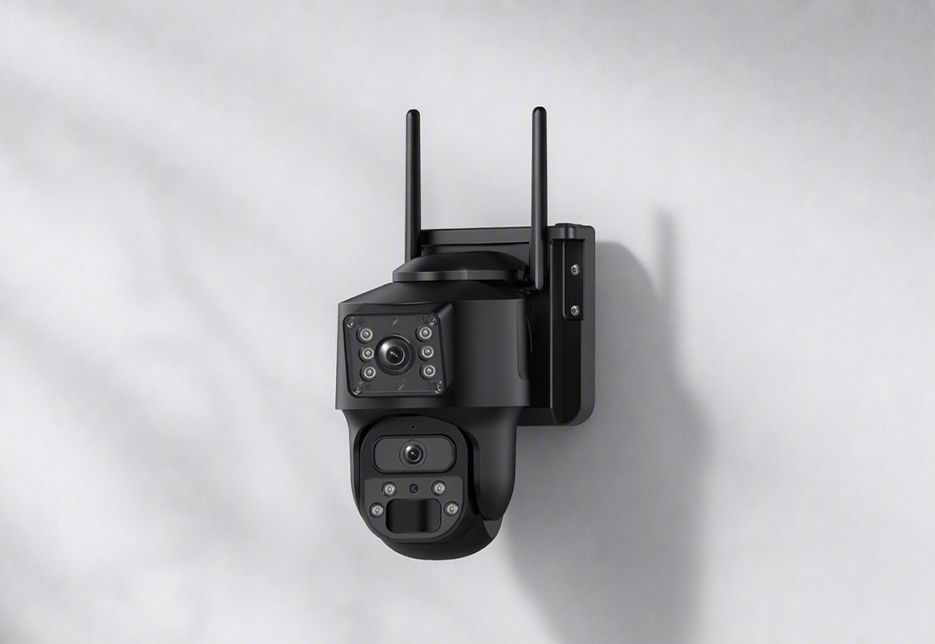
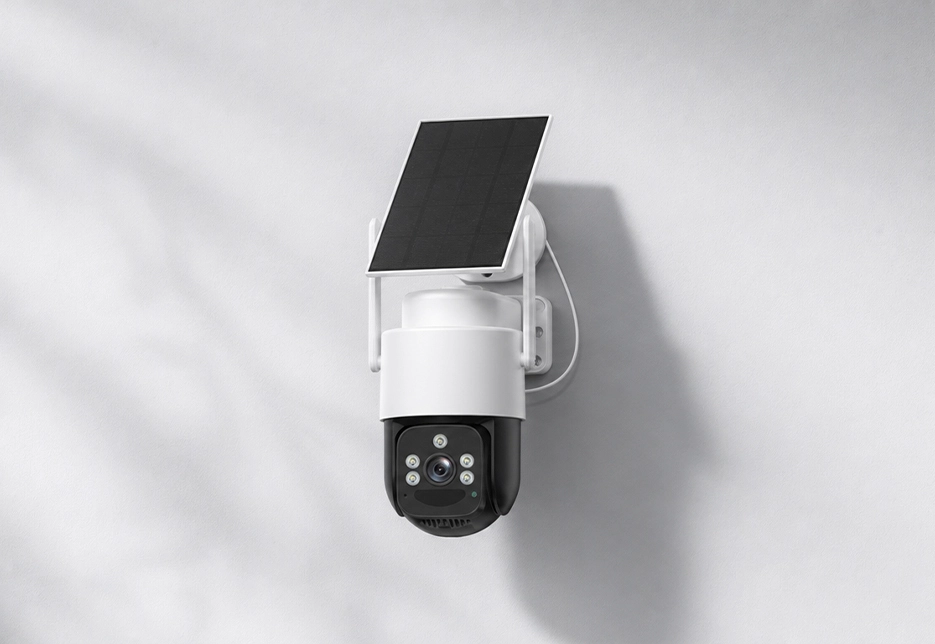

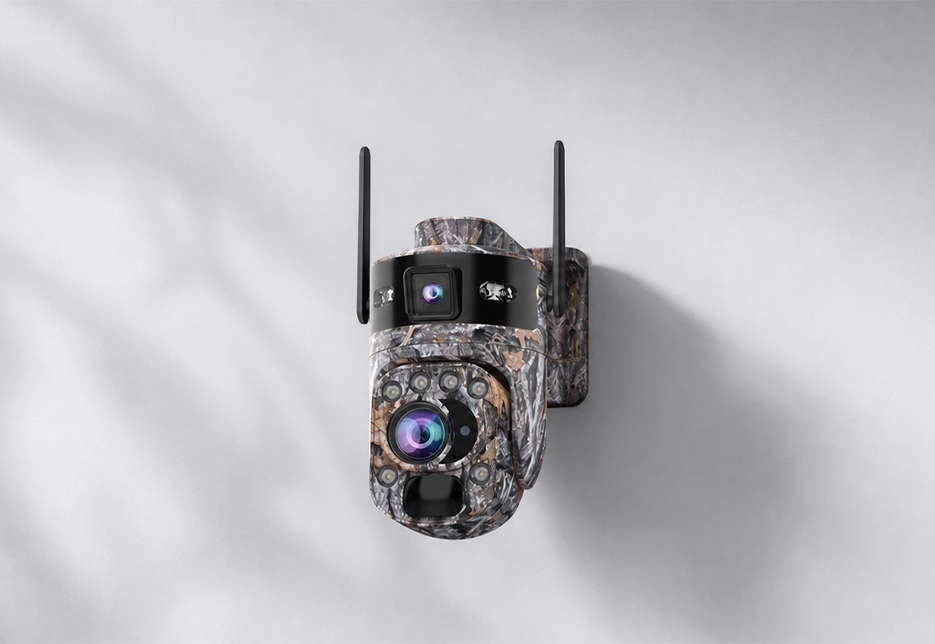
Two methods: — Bluetooth near-field restart — stand near the hub and restart it directly via the app’s Bluetooth connection, no need to climb up and disassemble; — reset button — the reset button on the body restores the hub to factory settings (note: a factory reset clears your configuration).
Frequently Asked Questions
Find answers to common questions about RuggedVision products and support.
Yes. The hub has a reserved audio output for an external speaker (30mm diameter / 1W / 8–).
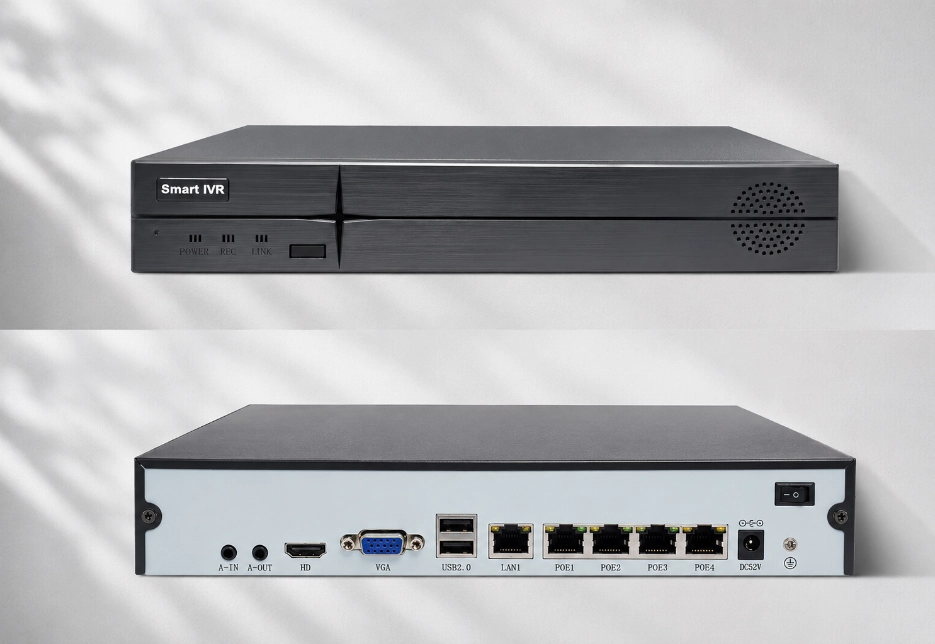
RV Vault NVR-04: 4-channel camera input, max 30W per PoE port (802.3at), power consumption –65W, suited to small sites; RV Vault NVR-08: 8-channel input, supports channel bonding and a signal-boost mode (transmission up to 200 m), power consumption –100W, suited to larger scale. Both support 4K decoding, one SATA hard drive (up to 16TB), and HDMI+VGA dual output.
It supports network cameras using standard ONVIF, RTSP and GB28181 protocols, so compatible third-party IP cameras can be connected; same-brand cameras also support deep management features such as online upgrades and remote maintenance.
No. PoE (Power over Ethernet) means the network cable carries both data and power: connect a camera to the NVR’s PoE port with a single cable for both power and recording, with no separate outlet needed. RV Vault NVR-04: max 15.4W (802.3af) / 30W (802.3at) per port; RV Vault NVR-08: max 15W per port.
RV Vault NVR-04: max 100 m in normal mode; RV Vault NVR-08 supports a signal-boost mode up to 200 m. We recommend genuine Cat5e/Cat6 cable; low-quality cable can cause choppy video or insufficient power.
The NVR supports one SATA drive bay, up to 16TB (drive sold separately). For reference: with 4– 4MP cameras recording continuously, a 4TB drive stores about 2-C3 weeks of footage (actual depends on bitrate settings).
Yes. The NVR provides one HDMI + one VGA output, supports 4K (3840–2160) display, and offers 1/2/4/6/8/9 split-screen preview, operable locally with a mouse.
Yes. Remote quick preview and playback via the mobile app; desktop supports the IMS client and web (WEB) access; P2P cloud service lets you access remotely without configuring a public IP.
Three modes: scheduled recording (continuous all day), alarm recording (event-triggered), and scheduled + alarm hybrid mode. Alarm recording supports eight smart-event triggers: motion detection, human detection, line crossing, wrong-way vehicle detection, personnel absence, loitering, area intrusion, and illegal parking.