
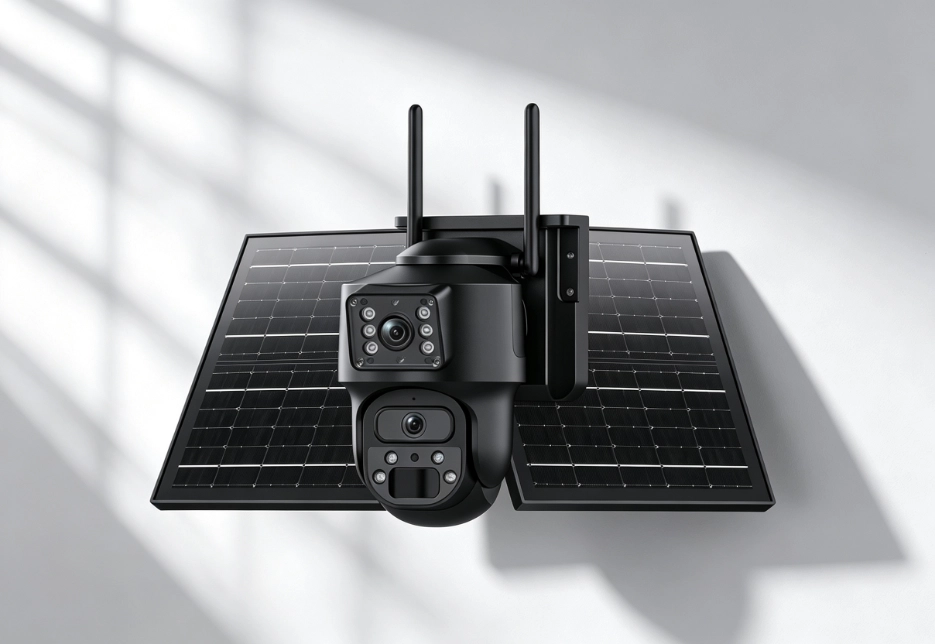
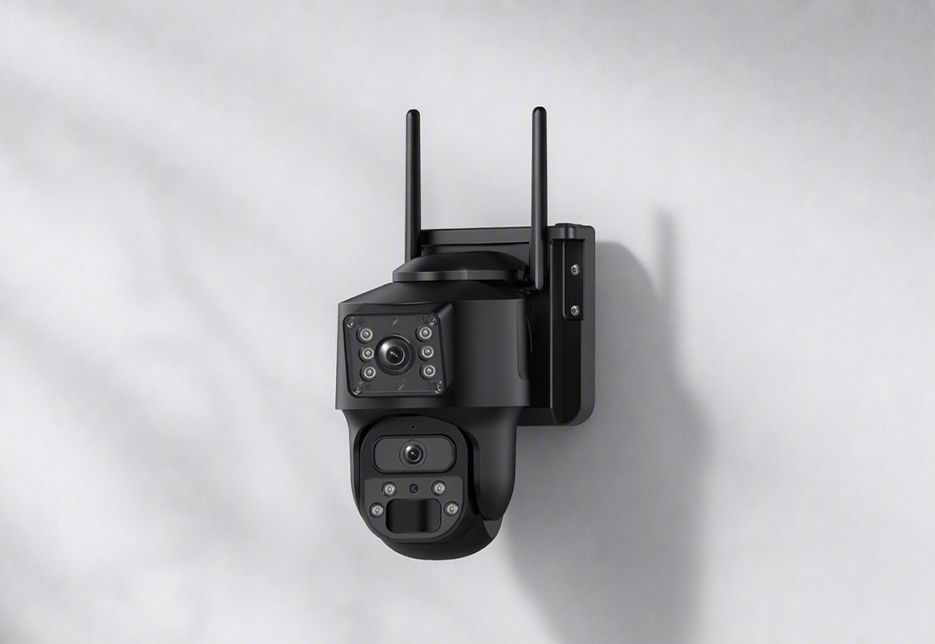
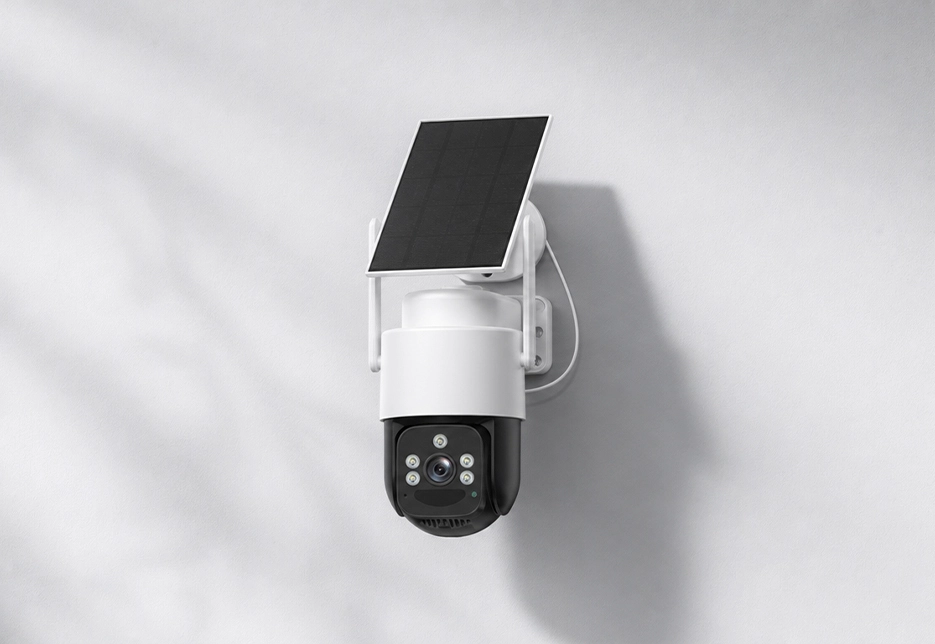
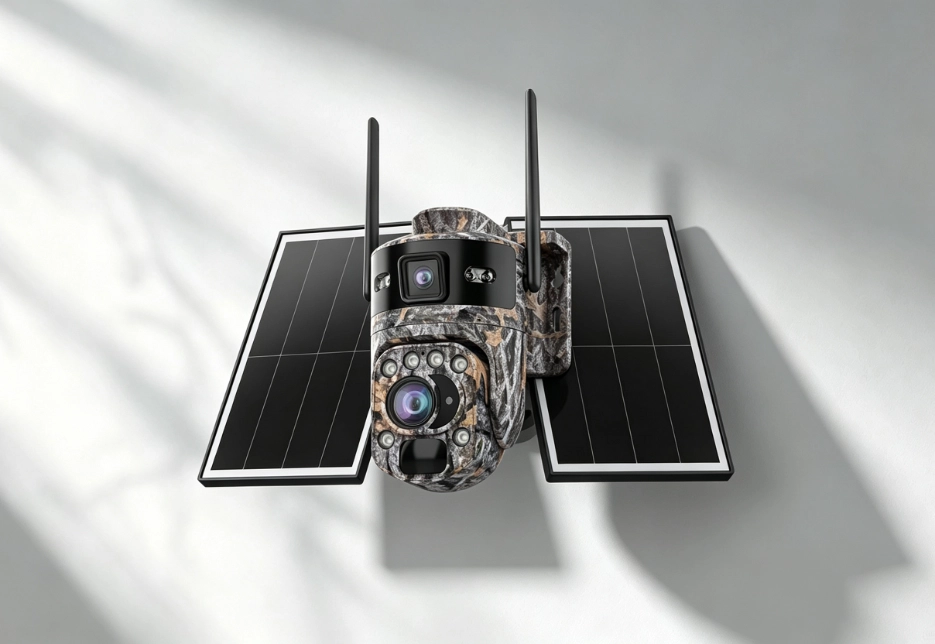

Choose 4K when you need long-range detail or plan to crop footage later; for ordinary close-range monitoring, 2K is sufficient.
Frequently Asked Questions
Find answers to common questions about RuggedVision products and support.
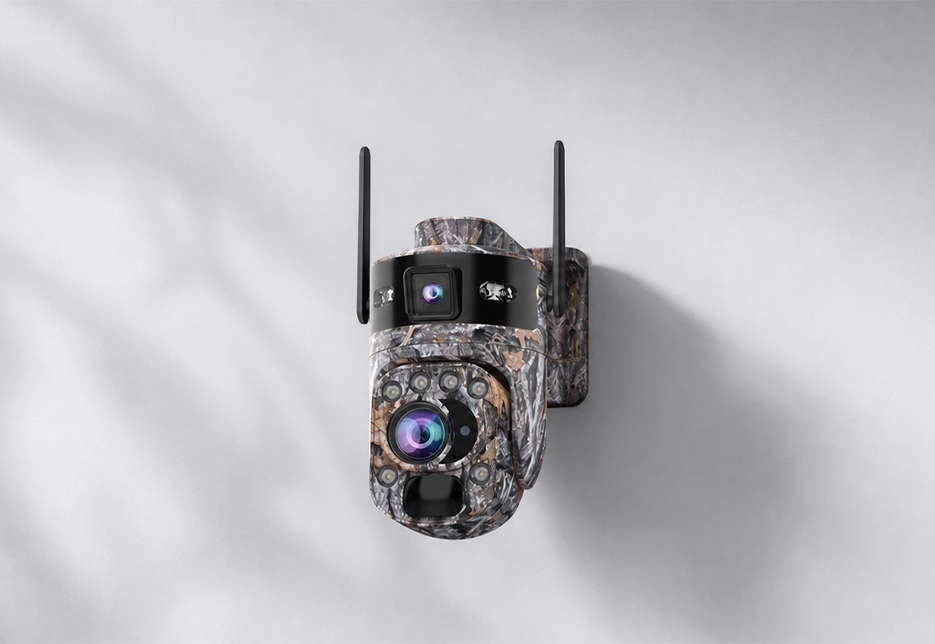
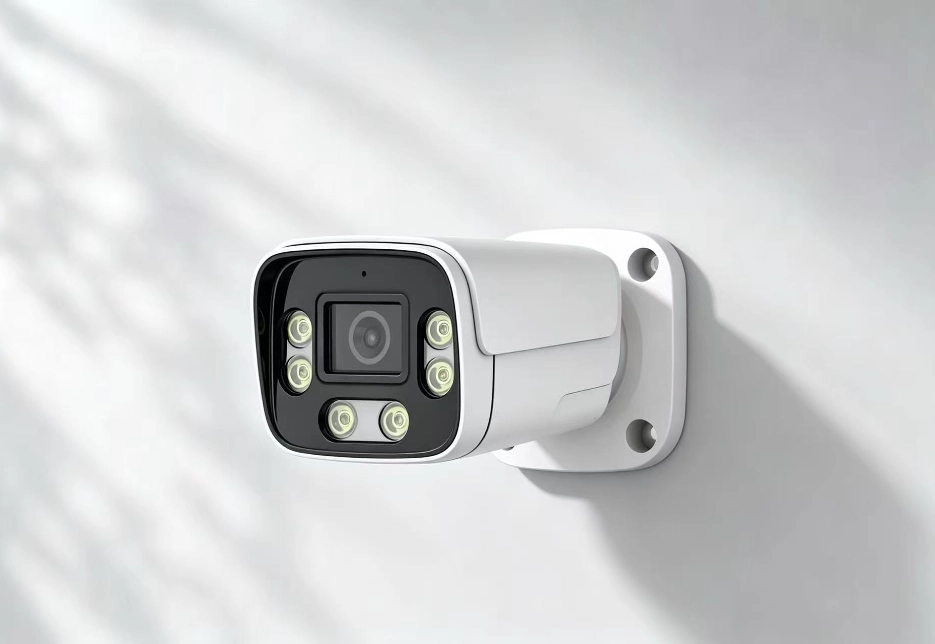
A PTZ is ideal when you need remote pan/tilt, patrol and tracking; a bullet camera is better for continuous monitoring of a fixed area.
A dual-lens camera handles both wide-angle and close-up views at the same time, ideal when you need to see the whole scene and fine details.
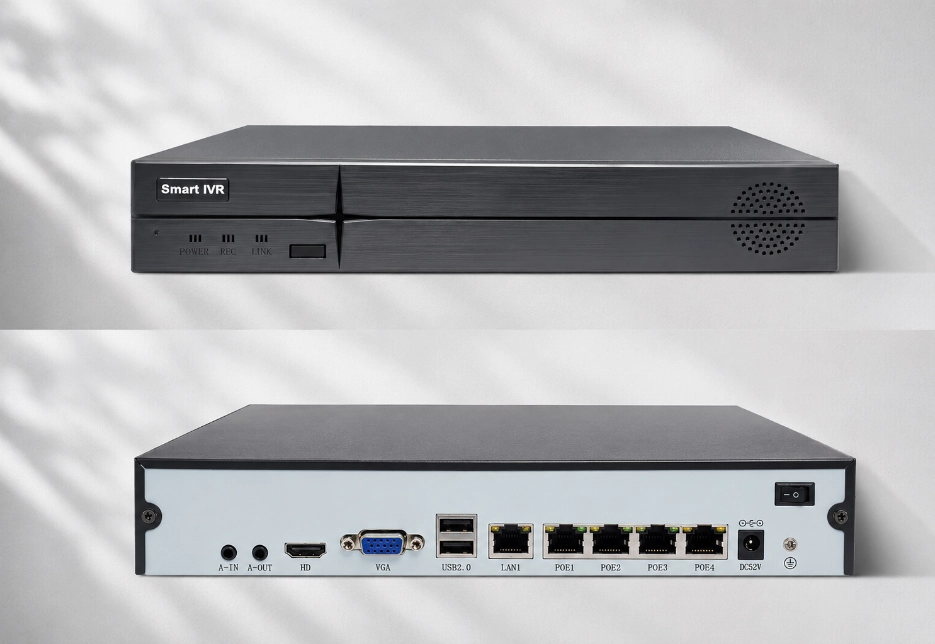
Standalone cameras suit a small number of locations; an NVR suits multiple locations, centralized recording and long-term local storage.
Go with a solar + battery solution.
Go with a 4G cellular solution.
Consider the RV Ranger PRO Wireless or the RV FourSight 4G NVR.
We recommend the RV Oracle Ultra Bullet’s “license-plate light collection” mode, or using the RV Ranger PRO Wireless’s optical zoom to pull in on the plate area. Note that in IR B&W mode, license plates are often overexposed by IR reflection, so choose white-light mode when reading plates.
The RV Ranger PRO Wireless is rated for about 100 m night vision, and the RV FourSight 4G NVR companion cameras for 200–300 m. Actual performance depends on your installation environment.
Using the RV Twinview Wireless / RV Ranger PRO Wireless (UboxPro app) as an example: Search for and download UboxPro from the App Store / Google Play, then register and sign in; Insert the SIM card / power on the device, and wait for the indicator light to enter pairing mode; In the app, tap “Add Device” and choose Bluetooth pairing, QR-code scanning, or acoustic (sound-wave) pairing (the RV Twinview Wireless and RV Ranger PRO Wireless both support Bluetooth, QR-code scanning, and acoustic pairing); Follow the prompts to finish binding, and you can then live-view, playback, and configure the device. The RV FourSight 4G NVR supports quick QR-code device pairing in the app; the RV Oracle Ultra Bullet and RV Oracle Ultra PTZ are added through the LinkEasy app. For the full pairing workflow, see the Support section on our website or contact customer service.