
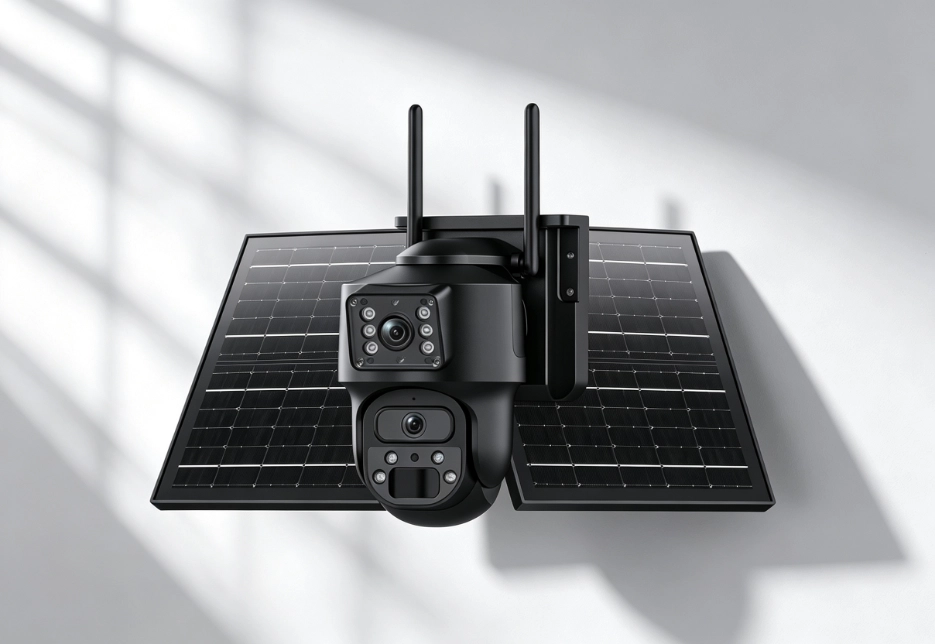
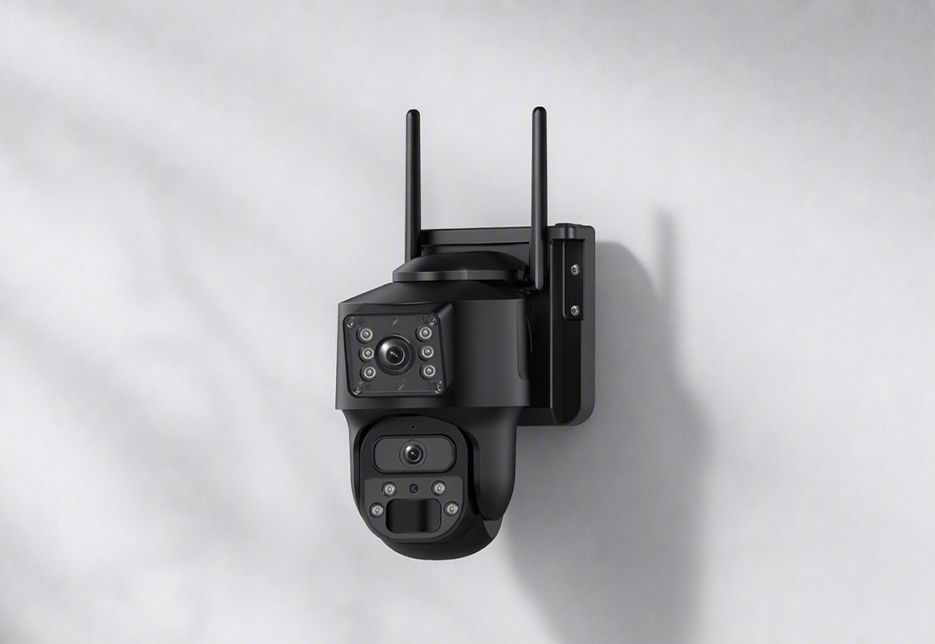
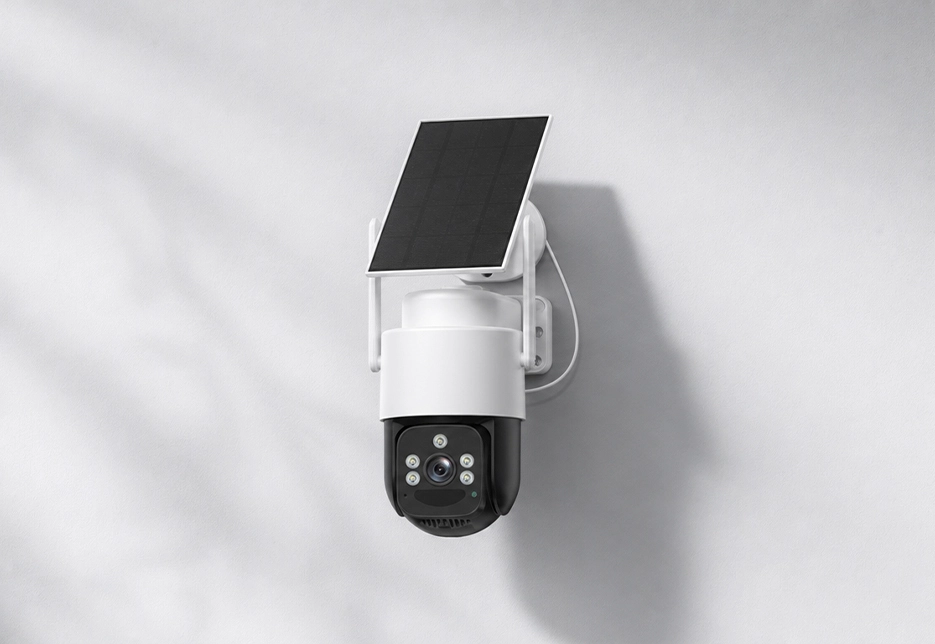
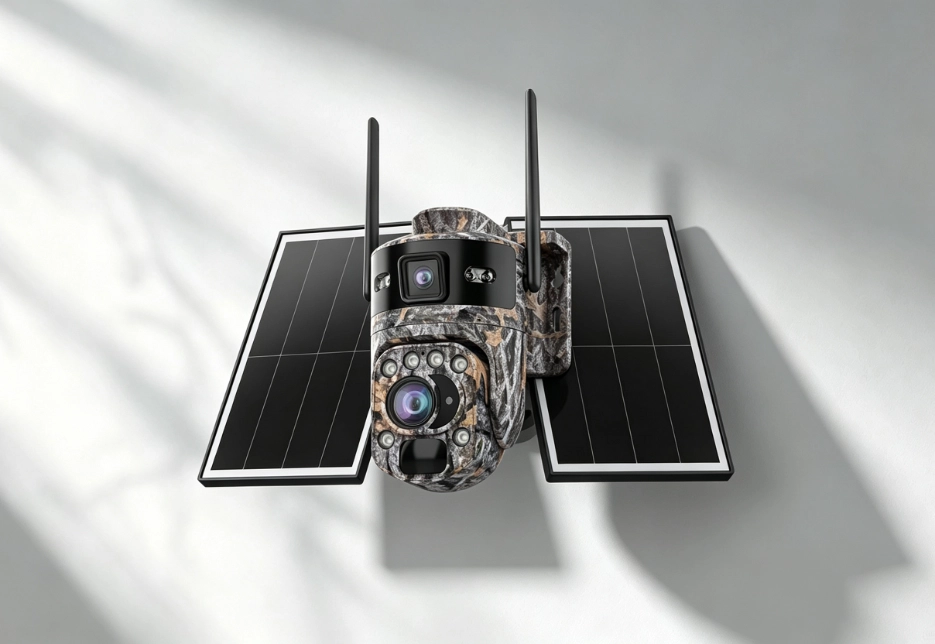
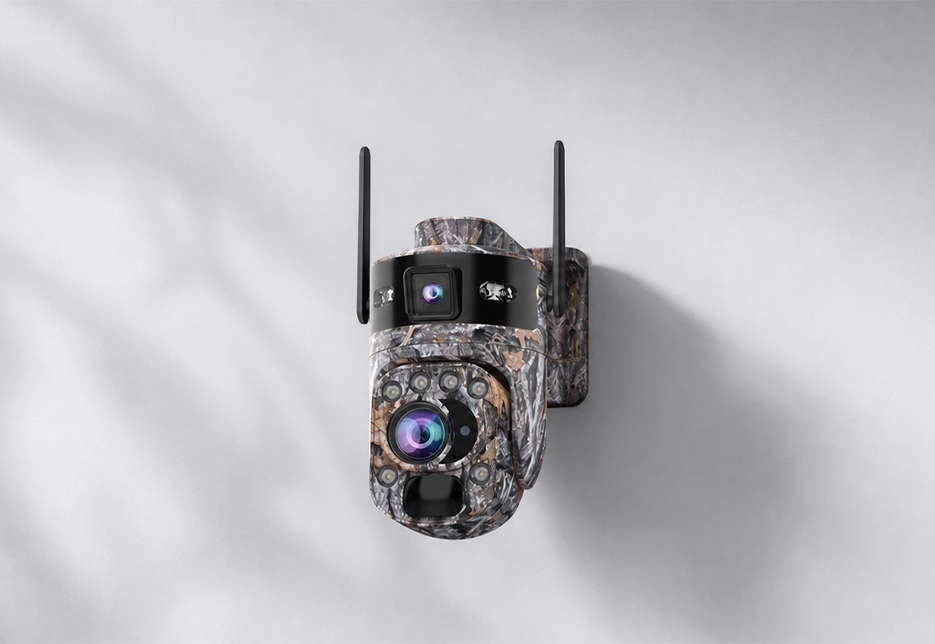
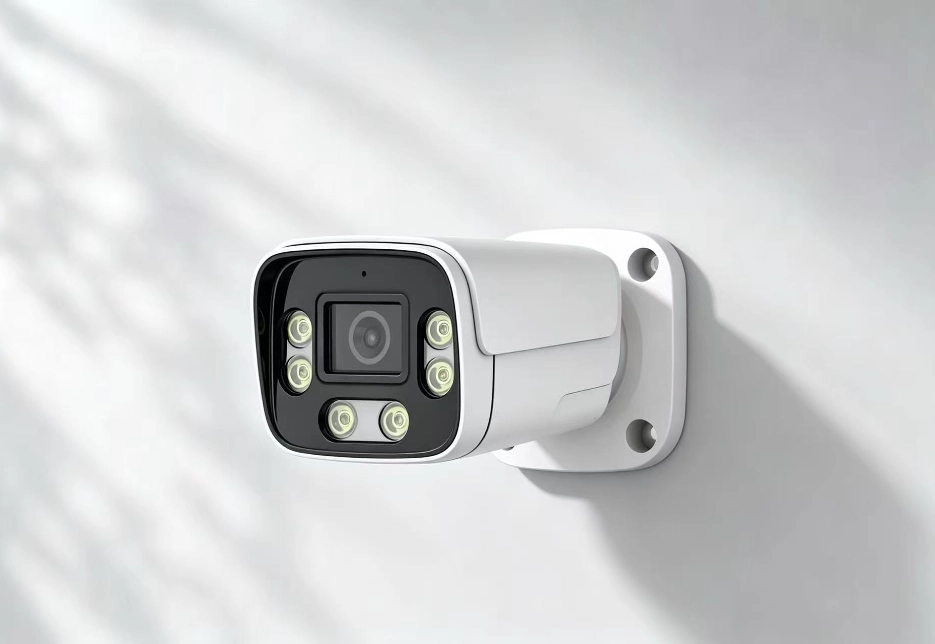
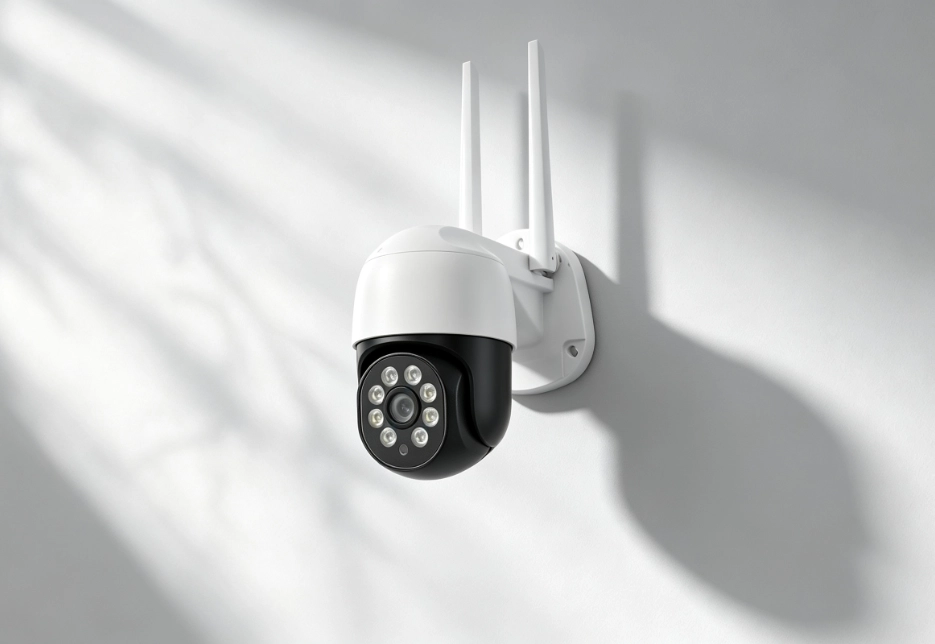
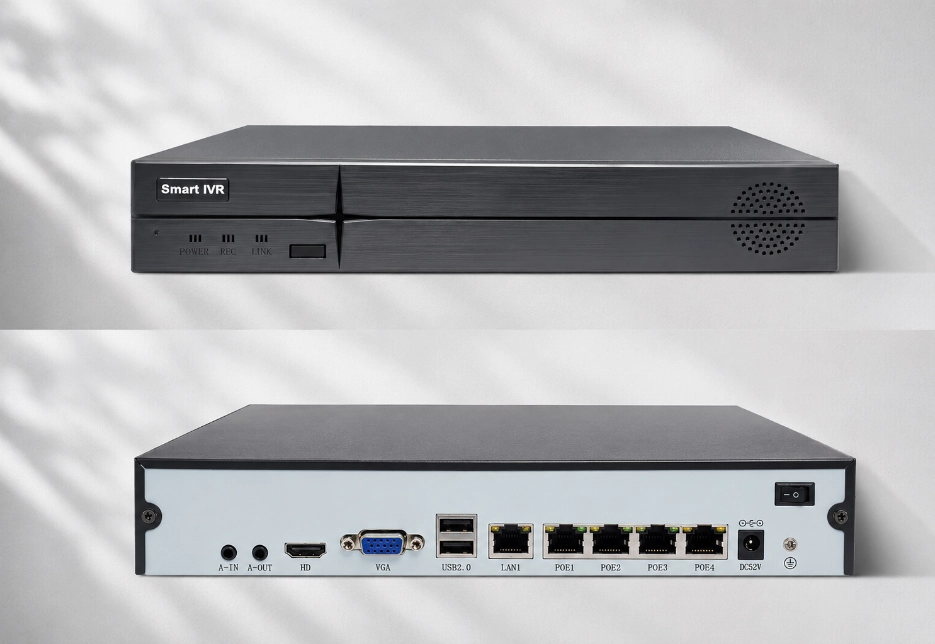
RV Twinview Wireless: Bluetooth, QR-code scanning, and acoustic pairing — three methods; RV Ranger PRO Wireless: Bluetooth, QR-code scanning, and acoustic pairing — three methods; RV FourSight 4G NVR: quick QR-code pairing in the app. Bluetooth pairing is the fastest and is recommended for new devices; QR-code scanning is better for remote or bulk setup.
Frequently Asked Questions
Find answers to common questions about RuggedVision products and support.
Check the following in order: whether the device has sufficient battery (low battery can prevent pairing); whether your phone is close enough to the device (within about 1 m for Bluetooth pairing); whether the app has been granted all permissions (Bluetooth, location, camera, microphone, etc.); for 4G devices, whether the SIM card is inserted correctly and the plan is activated; and whether you should press and hold the reset button for 5–10 seconds to reset. If it still fails, restart the device and retry, or switch to a different pairing method.
Yes. Cameras are bound to your account, not your phone. Install the app on your new phone and sign in with the same account to continue viewing and managing your devices.
Tap “Forgot Password” on the app’s sign-in page and reset your password by verifying your registered email or phone number.
You can change the device name in the app’s device settings. We recommend changing the default password promptly after first-time setup and enabling a strong password.
RV FourSight 4G NVR: battery level can be viewed directly in the app (the device has three indicator groups: 3G/4G status, Wi-Fi status, and battery level). For solar cameras: on the app screen, tap the camera view and the battery level is shown at the top.
Check whether your phone’s system has granted notification permission to the app (allow all permissions during first-time install); check whether motion detection / alert push is enabled for that device in the app; check whether the detection sensitivity is set too low; and for 4G devices, confirm the data plan isn’t used up (it goes offline when data runs out). If still unresolved, try uninstalling and reinstalling the app, then sign in again.
Yes. Devices support remote access via P2P cloud service, so as long as your phone has a network connection (4G or Wi-Fi), you can live-view, playback, and talk from anywhere in the world.
Yes, live preview is supported.
Yes, provided the device has recording storage such as a microSD card, NVR, or an active cloud storage subscription.