
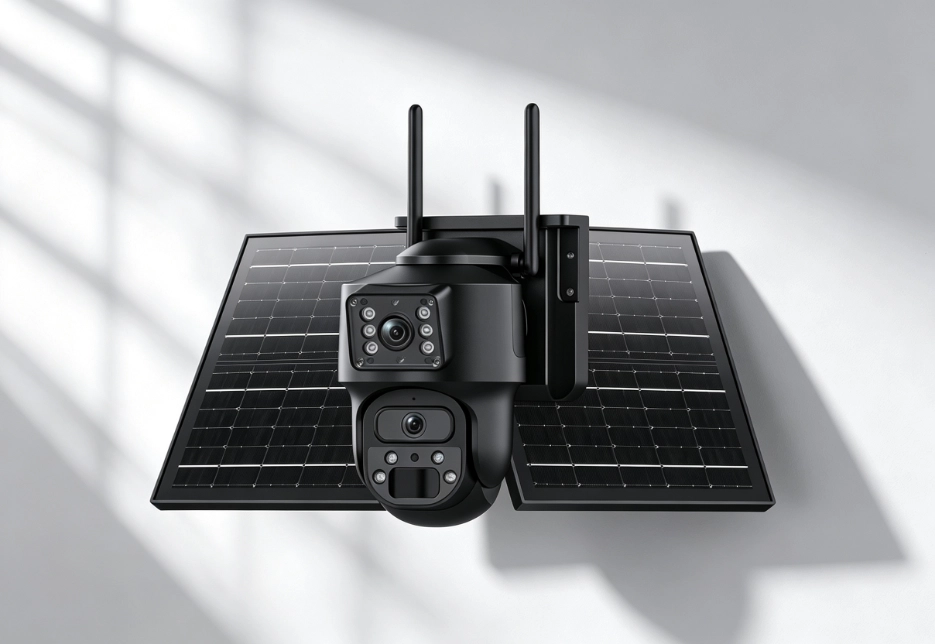
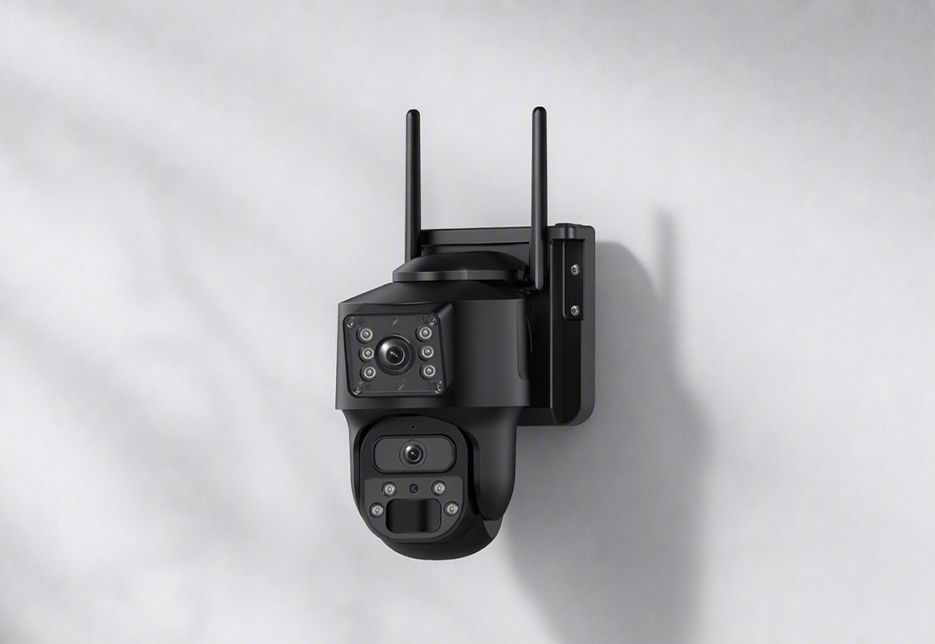
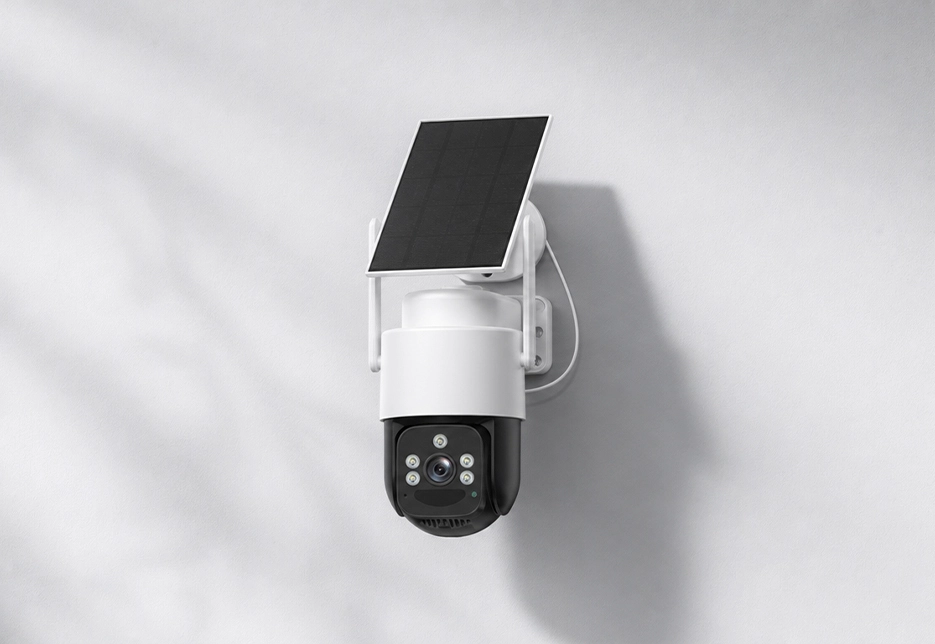
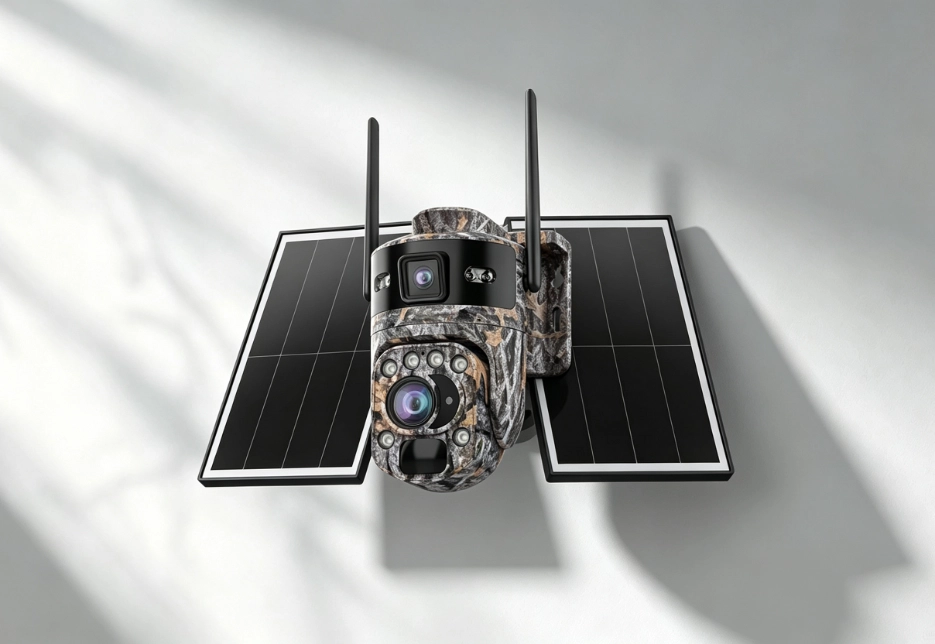
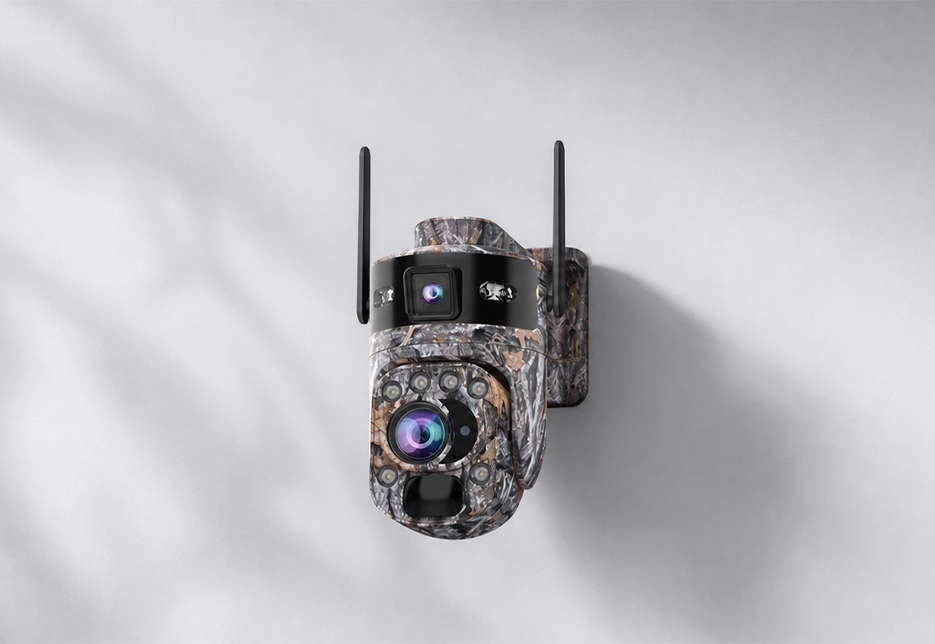
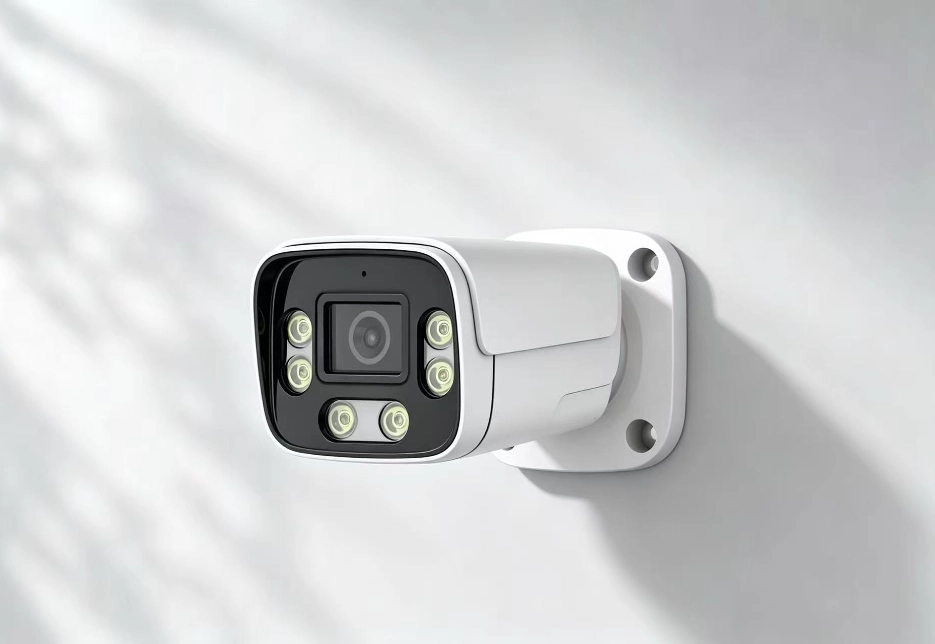
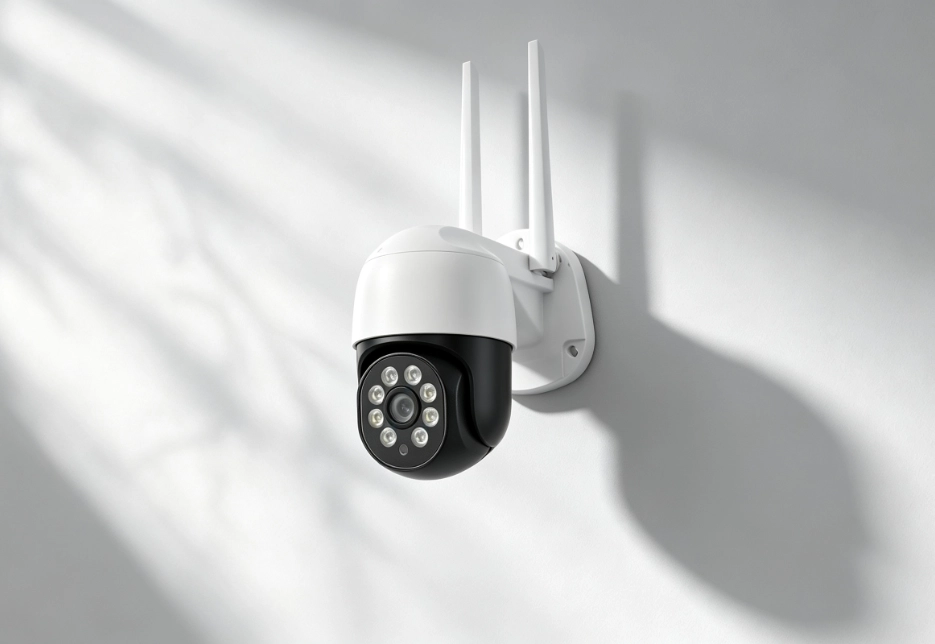
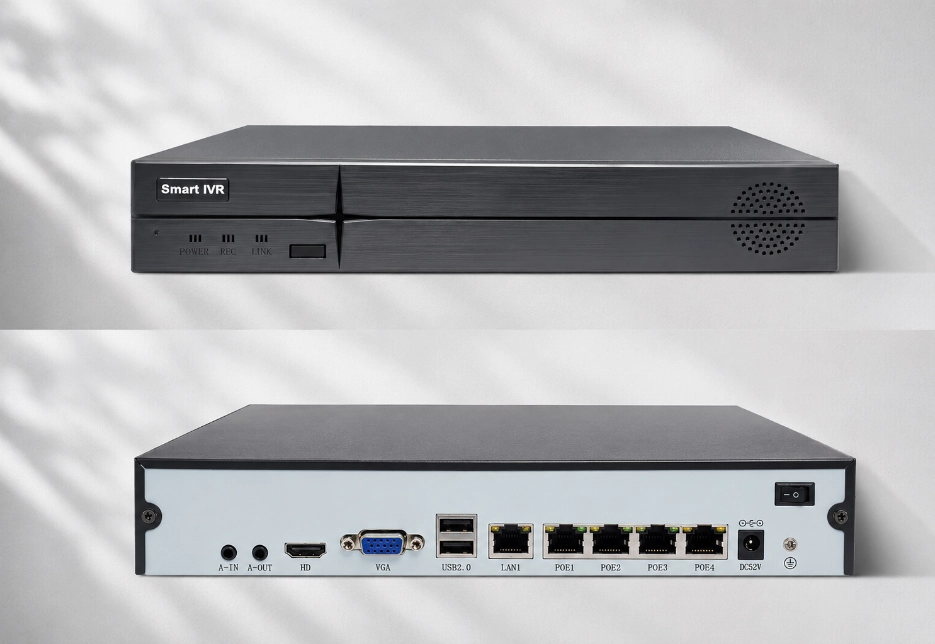
RV Twinview Wireless and RV Ranger PRO Wireless: support 2.4G Wi-Fi; RV FourSight 4G NVR: supports Wi-Fi 6, dual-band 2.4G/5G (the hub itself can act as a network center); RV Oracle Ultra PTZ / RV Oracle Ultra Bullet: 2.4G Wi-Fi only, not compatible with 5G Wi-Fi. When pairing, make sure your phone is connected to the 2.4G band (if your router merges both bands, we recommend giving them separate SSIDs).
Frequently Asked Questions
Find answers to common questions about RuggedVision products and support.
Reduce walls between the camera and router (each wall significantly weakens the signal); move the router closer or add a Wi-Fi repeater/extender; the RV Oracle Ultra PTZ and RV Oracle Ultra Bullet support RJ45 wired Ethernet, so for long distances prefer a direct cable connection for greater stability.
Both the RV Oracle Ultra PTZ and RV Oracle Ultra Bullet have a RJ45 10/100M auto-negotiating Ethernet port for a direct cable connection to a router/switch; the RV Oracle Ultra Bullet also supports PoE power (single cable for power + data). Cameras in the RV Vault NVR series connect to the NVR via PoE cable.
RV Twinview Wireless: built-in 10050mAh lithium battery (3× 18650 cells); RV Ranger PRO Wireless: built-in 20800mAh lithium battery; RV FourSight 4G NVR: built-in 20000mAh high-capacity battery (companion wireless cameras each have an additional 7800mAh battery + 3W mini solar panel). Note: The RV Oracle Ultra PTZ and RV Oracle Ultra Bullet are plug-in models (DC12V powered) and do not contain a battery.
RV Twinview Wireless: 6W monocrystalline solar panel (3W+3W); RV Ranger PRO Wireless: 14W monocrystalline solar panel (7W+7W dual-panel design); RV FourSight 4G NVR: 15W solar panel.
Battery life depends on many factors — AOV frame-rate settings, number of triggers, live-viewing time, ambient temperature, etc. — so there is no one-size-fits-all figure. Actual runtime also depends on trigger frequency, live-viewing time, temperature, 4G signal strength and solar charging conditions.
Yes. The devices rely on their built-in high-capacity battery through periods without sunlight: during consecutive cloudy/rainy days, the RV Twinview Wireless, RV Ranger PRO Wireless and RV FourSight 4G NVR continue to run on battery, with actual runtime depending on trigger frequency, AOV settings, connectivity and remaining charge. In winter, weaker and lower-angle sunlight reduces charging efficiency, so we recommend aiming the solar panel toward the strongest sunlight and keeping it clean.
Check the following in order: make sure the cable between the solar panel and main unit is firmly connected and the waterproof cover is properly seated; confirm the panel isn’t blocked by leaves, dust or snow and receives direct sunlight during the day; check the panel’s orientation and tilt (the best tilt is roughly your local latitude for year-round average; you can level it in summer and steepen it in winter, with the panel facing directly toward the sun); and confirm the battery isn’t already full (once full, it stops charging and the charging indicator turns off — e.g., the RV Ranger PRO Wireless green light goes out when full).
Common causes include: overly frequent detection triggers (high foot/vehicle traffic at the site, or sensitivity set too high causing false triggers); AOV snapshot interval set too short (shorter intervals drain more power — lengthen the interval); prolonged live viewing or frequent playback; weak 4G signal causing the device to boost transmit power to stay connected; low temperatures reducing usable battery capacity (a lithium-battery characteristic); and a poor solar panel connection so it isn’t actually charging during the day. Optimization: enable human detection filtering, lower sensitivity, shrink the detection area, lengthen the AOV interval, and choose a site with good signal.
The device automatically enters a low-battery management strategy: RV Twinview Wireless: below about 20%, it automatically turns off AOV and enters low-power mode, while PIR detection and remote wake-up via the app remain available; RV Ranger PRO Wireless: below about 30%, it enters low-power mode, likewise retaining PIR and remote wake-up. We recommend keeping an eye on battery alerts in the app and, when low, restoring solar charging or topping up with a charger as soon as possible.